Picking a good OEM LCD display manufacturer starts with a clear plan. Do not just look for the cheapest price. Before you place bulk custom LCD orders, you must check a few things. Make sure to confirm the size, resolution, brightness, interface, touch method, environment, and service life. These LCD display specifications matter a lot. They change your device’s outer shell, PCB, software, power supply, and repair steps.
Looking at many different displays helps you choose the right one. Our guide talks about calendar clocks, portable monitors, digital frames, Android terminals, art displays, and commercial signage.
Why Do OEM Projects Need a Custom LCD Display?
A standard screen might work well when you first build a test model. But, it can leave empty spaces in your case. It might also need an extra adapter board. Sometimes, it puts the cable in a bad spot. A custom LCD display solves these problems. It lets the screen fit your device perfectly.
Mechanical and Electrical Fit
You need to give the custom LCD display manufacturer exact details. Tell them the full outline size, active area, and viewing window. Also, share the thickness limit, mounting points, and FPC direction. Just saying “10.1 inches” is never enough. The maker also needs to know the voltage and connector types. They must know the required LCD display interface.
Checking LCD display interface rules early can save you from drawing a new PCB. SPI and I²C work great for simple embedded systems. On the other hand, LVDS, HDMI, and MIPI are better for bigger platforms.
What Screen Size, Aspect Ratio, and Resolution Do You Need?
The screen size must match how far away the user stands. It should also match the picture content, box space, and user tasks. A factory worker standing super close needs different things than a shopper looking at a store sign from far away.
Real Product Formats
Our guide shows many custom LCD screen size and resolution choices. For example, an 8-inch day clock uses a 4:3 shape and 800 × 600 resolution. A 10.1-inch photo frame uses a 16:10 shape and 1280 × 800 resolution. Many 15.6-inch products use 1920 × 1080. The 23.6-inch, 27-inch, and 32-inch Android all-in-one machines also use Full HD panels. Really big screens can reach 55 and 65 inches.
You should pick the native resolution based on text size and picture detail. Also, think about the processor load. A higher resolution gives you a sharper picture. However, it also uses more memory and power. A spec sheet might look amazing on paper. Yet, it could just waste money without helping the user at all.
How Bright Should the LCD Be?
The screen brightness must fit the room light. Indoor photo frames do not need a super bright backlight. A shop window or an outdoor machine needs much more light.
Indoor and Outdoor Brightness
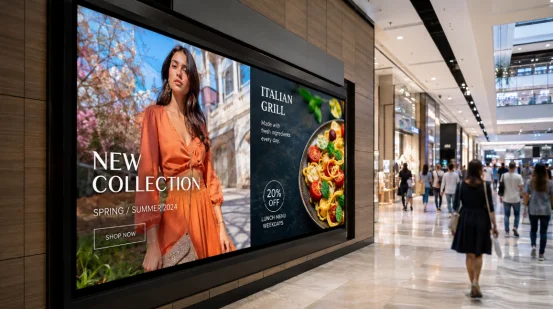
Indoor screens usually sit around 250 to 500 nits. A high brightness LCD display for outside might need 1,000 nits or more. But brightness alone does not fix sunlight glare. You also need to think about reflections and custom LCD cover glass. Optical bonding, anti-glare coatings, and heat control are very important too.
Our guide talks about low-glare clocks and automatic night dimming. It covers brightness changes and screens built for 24/7 use. These features change how nice the screen looks. They also affect heat, battery life, and how long the backlight lasts.
Which Touch and Interface Options Should You Select?
Adding an LCD touch screen changes the glass layers. It also changes the thickness, controller, drivers, and final price. You must pick your touch style before you finish the device’s box and front cover.
Touch and Connection Choices
A custom capacitive touch LCD display is great for photo frames and retail terminals. It also fits Android all-in-one displays that need swiping or multi-touch. Our guide lists a 10.1-inch frame with five-point capacitive touch. We also list 15.6-inch models with ten-point capacitive touch. Resistive touch is still good for gloves, styluses, and basic factory menus.
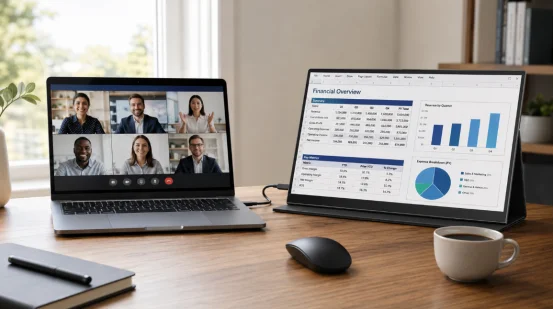
Finished devices might need USB-C, HDMI, USB, SD, audio, DC power, or Wi-Fi. The 15.6-inch portable monitor uses USB-C and HDMI. The day clocks use several small plugs. Make sure you know what you are buying. Check if it is a bare panel, custom LCD module, touch monitor, or a complete system. These are very different things.
What Environmental and Reliability Specifications Matter?
An industrial LCD display might work fine on a clean desk. But it could easily break inside a closed box, near a hot motor, or in the cold winter. Always ask the maker about temperature limits and humidity. Ask for ESD data, backlight life, and glass coatings.
Test the Real Device
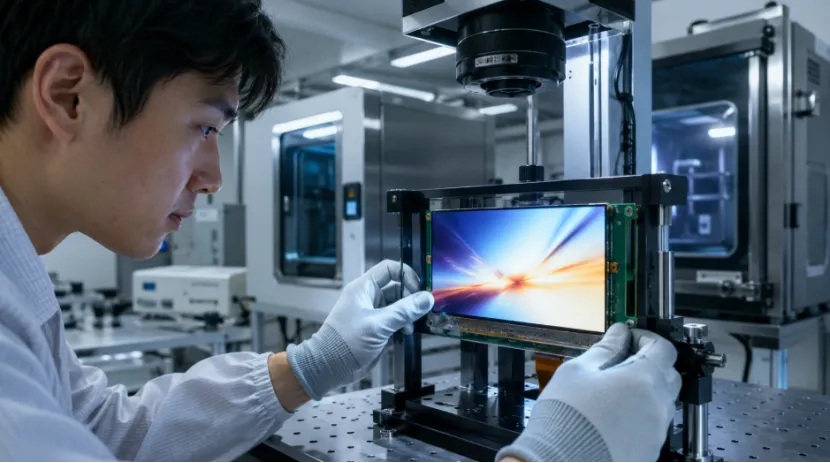
When you do OEM LCD display sample testing, check how it fits. Look at the picture quality, touch speed, and heat. Test the ports, software bugs, and non-stop video playing. Factory projects might also need heat cycling, shaking, ESD, and aging tests.
Our guide talks about signs and art frames made for non-stop running. It covers low-power Android systems used in factory machines. Smart factory uses include checking production and collecting quality data. They also cover warehouse tracking, fix alerts, and worker training.
If your device runs all day, you must test it all day. A fast turn-on test will not show heat issues, touch bugs, fading lights, or software crashes.
What Is the Bulk Custom LCD Order Process?
The bulk custom LCD order process has a few simple steps. It moves from tech checks to early test units. Then you get a golden sample, a small test run, and finally LCD display quality control.
From RFQ to Mass Production
Your custom LCD display quotation should include drawings and numbers. Share the size, resolution, brightness, interface, touch type, and temperature. List your certificates, guess on numbers, and release date.
Test a sample inside your real device. After that, approve the drawing, BOM, firmware, checking rules, and box. Ask the maker about the LCD display MOQ for bulk orders. Check on tooling fees, lead time, and warranty. Also ask about parts changing and long-term LCD supply for OEM projects. PCB matching checks must happen before big production starts. Experts say you should test units in real life. Do not just say “yes” based on a piece of paper.
How Should You Evaluate an OEM LCD Display Manufacturer?
Knowing how to choose an OEM LCD display manufacturer is about teamwork and repeating good work. A helpful supplier asks questions about your device. They do not just ask how many you want to buy.
Supplier Capability and YIAISIGN
Check if the LCD screen manufacturer can give you drawings and pin rules. See if they help with firmware, aging tests, and tracking parts. They should control any parts that change over time. A good LCD module supplier should explain your choices. They will ask if you need a bare panel, custom LCD module, touch monitor, or a full system.
YIAISIGN has more than 15 years of display making history. They make digital photo frames, calendar clocks, and art frames. They build Android all-in-one machines, digital signage, portable monitors, and ad displays. Their official site offers hardware, software, logos, boxes, samples, testing, and shipping. They say their factory has four production lines. It makes a daily output of 3,000 units. This is perfect for jobs that need a shell, mainboard, touch, or full assembly along with the screen.
FAQ
Q1: What Should You Send an OEM LCD Display Manufacturer?
A: You should send them how you will use it. Include the drawing, size, resolution, and brightness. Add the interface, touch type, temperature range, total count, and certificate needs.
Q2: What Is the Difference Between an LCD Panel and a Custom LCD Module?
A: A custom LCD module has more parts. It might include the panel, backlight, driver IC, FPC, controller, and touch glass.
Q3: How Many Samples Should You Test?
A: You need to test an early engineering sample. Then, test a final golden sample. For risky or hard items, try a small pilot batch first.
Q4: What Affects LCD Display MOQ for Bulk Orders?
A: Many things change the MOQ. Panel stock, tooling, FPC design, cover glass, and touch controller affect it. Certificates and your total forecast volume matter too.
Q5: Why Does Long-Term Supply Matter?
A: If a screen stops being made, you have a big problem. A dead LCD can force you to redraw your PCB, box, or software. Always check their long-term lifecycle support before you buy.