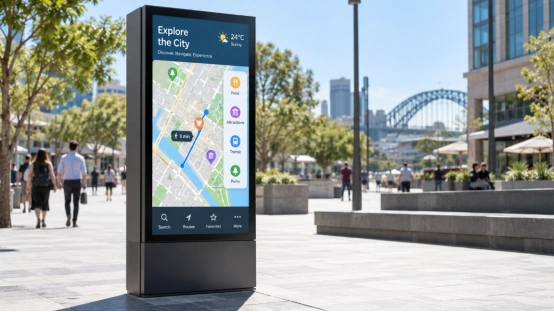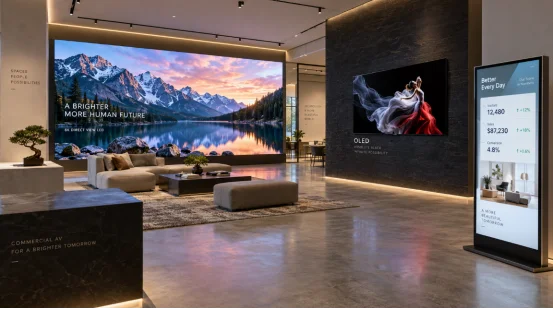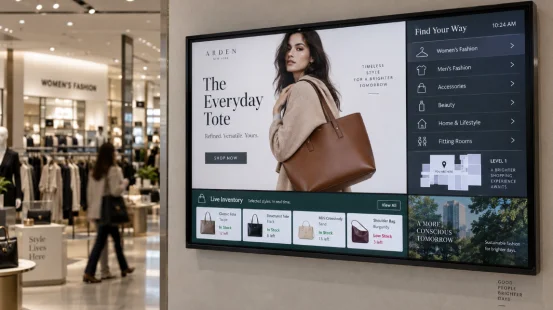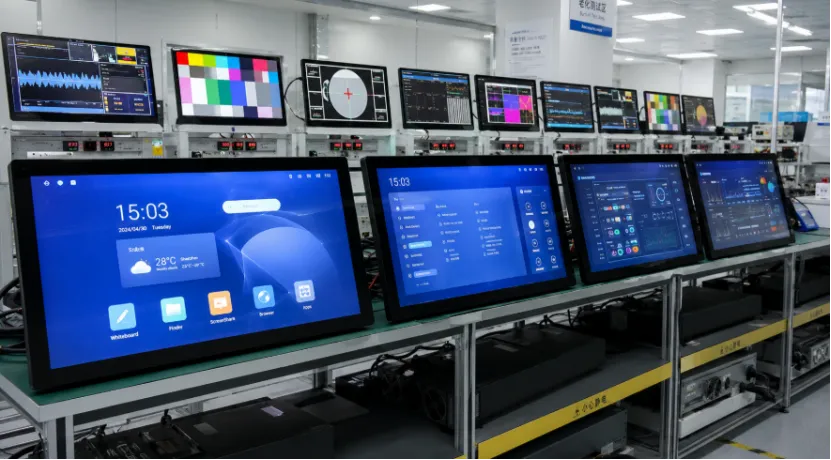
A stable display starts with the board behind the screen. If you are sourcing an android all in one, kiosk, or digital signage display, the mainboard affects boot time, touch response, video playback, network recovery, and service life. A board may pass a short demo and still fail inside a closed housing. Choose an Android mainboard solution that fits the screen, software, ports, power design, and working conditions.
What Makes an Android Mainboard Solution Stable?
An Android system motherboard combines the processor, memory, storage, wireless modules, power control, and display interfaces. Stability comes from how those parts work together. Start with the actual job, not a chipset name.
Match the Board to the Real Job
A basic digital signage player needs smooth media playback, scheduled startup, remote content updates, and reliable reconnection. An interactive digital signage display adds touch processing, app performance, and more USB devices. A self-service unit may connect to a scanner, printer, camera, payment module, or serial device.
The application changes the risk. In restaurants, an android all in one can support menu browsing and self-ordering. In hospitals, it may show appointment or doctor information. In hotels, it can handle check-in and billing. On a factory floor, it may display production progress, equipment status, quality data, inventory, alarms, and training material.
Match the Display and Touchscreen
Screen size alone tells you little. The Android display mainboard must match the LCD interface, resolution, timing, voltage, backlight control, and orientation. Touch needs the correct controller driver and coordinate mapping.
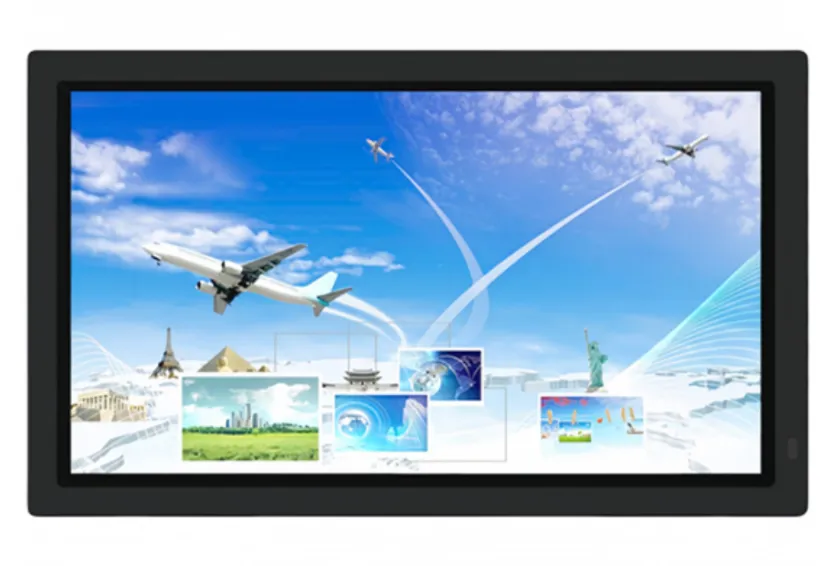
Available all-in-one configurations include 23.6-inch, 27-inch, and 32-inch displays with 1920 × 1080 resolution and a 16:9 aspect ratio. Listed system options include Android 11, with Android 13 available for some projects. A 32-inch panel can look fine on paper, then show wake-up or touch rotation problems after rushed integration.
Which Specifications Matter Most?
Processor names can hide the issues that cause field failures. Review performance, storage, interfaces, software maturity, and heat together.
Check Performance, Memory, and Storage
Choose RAM for the real app load. Simple loop playback needs less than an interactive kiosk running several services. Storage must leave room for the operating system, apps, offline media, logs, and updates. Built-in flash storage is usually safer for commercial use than relying only on a removable card.
A newer Android version is not automatically safer. Ask whether the board support package, touch driver, wireless driver, and customer app have completed practical testing. Mature Android 11 firmware may be more useful than a poorly tested newer build.
Check Every Required Interface
List the exact port count before choosing the board. Typical needs include USB, Ethernet, audio, camera, serial communication, GPIO, memory expansion, Wi-Fi, Bluetooth, and mobile networking. A connector facing the wrong side can force an enclosure change at pilot production.
For a digital signage touch display, test touch, media playback, network traffic, and external devices at the same time. One feature working alone does not prove the whole system is stable.
How Can You Test Stability Before Mass Production?
Test the sample inside the final housing with the real LCD, touch panel, power supply, cables, speakers, and peripherals. Bench tests help, but the enclosure changes temperature and wireless signal. A boring detail, until it becomes a loud problem.
Test Power, Heat, and Network Recovery
Run repeated cold starts, normal restarts, sudden power cuts, and automatic app startup. Play target media for long periods while monitoring temperature and memory use. Disconnect Wi-Fi or Ethernet, then check whether the device reconnects without staff action.
A commercial digital signage display may run throughout the day. Product materials also describe remote content management, multimedia playback, flexible installation, and continuous operation. These demands make heat control and recovery behavior more useful than a short benchmark.
Test the Complete User Journey
For an all in one digital signage display, test portrait and landscape modes, brightness changes, sleep and wake, touch accuracy, audio, and content updates. For a service kiosk, run the full order, check-in, or information-search flow. For smart factory use, keep data collection, alarms, equipment monitoring, and network communication active together.
Record the board version, firmware version, LCD model, touch controller, memory configuration, and test result. Without that record, a later batch can look identical but behave differently.
Which Mainboard Route Fits Your Project?
The right route depends on volume, schedule, enclosure limits, and product differences. Do not choose full customization when a proven standard board works.
Standard, Semi-Custom, or Fully Custom
A standard board suits prototypes, smaller orders, and common interfaces.
A semi-custom Android mainboard solution is useful when you need different port positions, added serial ports, changed power input, selected wireless modules, preinstalled apps, startup branding, or kiosk settings.
A fully custom Android display board makes sense when board size, cooling, EMI control, or interface layout is central to the product. It needs more engineering and testing, so the order forecast and product life should justify the cost.
What Should You Expect from a Custom Android Display Factory?
A capable supplier should handle screen adaptation, touch integration, housing coordination, firmware, testing, and version control. Digital signage display systems need hardware and remote software to stay compatible across batches.
Ask how the factory controls memory, storage, wireless modules, PCB revisions, and firmware builds. Ask what happens when a component becomes unavailable. Good digital signage solutions depend on a stable bill of materials and a clear replacement process, not just a sample that works once.
Why Consider YIAISIGN for a Custom Android Display Project?
YIAISIGN works across smart displays, Android all-in-one machines, digital signage, advertising displays, calendar clocks, and portable monitors. Its official information describes hardware customization for screen size, resolution, brightness, viewing angle, touch, structure, interfaces, power, and protective glass. It also covers software and hardware integration, logo and interface changes, sampling, testing, quality control, and supply support.
That range matters when your custom Android display needs more than a standard board swap. The company lists over 15 years of display manufacturing experience, four production lines, a 3,000-square-meter facility, and daily capacity of 3,000 units. Product materials show 23.6-inch, 27-inch, and 32-inch Android all-in-one options for commercial, educational, information collection, and industrial automation uses. This points to a supplier that can connect board selection with the screen, enclosure, firmware, and production process.
FAQ
Q1: What Is the Best Android Mainboard for a Digital Signage Display?
A: The best board matches your LCD, app load, network, ports, power input, and operating temperature. Proven firmware often matters more than raw speed for a digital signage monitor.
Q2: Can One Android All in One Computer Support Different LCD Sizes?
A: Yes, but size is not the deciding factor. The interface, timing, voltage, resolution, backlight, and firmware must match each LCD model.
Q3: Is an Android All in One PC Suitable for Self-Service Kiosks?
A: Yes. An android all in one pc or all in one android monitor can support ordering, information lookup, hotel service, healthcare scheduling, and training when the required touch and peripheral interfaces are available.
Q4: What Should a Digital Signage Display Manufacturer Test?
A: A digital signage display manufacturer should test long playback, boot cycles, sudden power loss, network recovery, touch, temperature, sleep and wake, external devices, and firmware consistency.
Q5: When Should You Replace an Existing Mainboard?
A: Replace it when frequent restarts, storage faults, overheating, unstable networking, discontinued parts, unsupported apps, or missing interfaces make repair or firmware updates impractical.