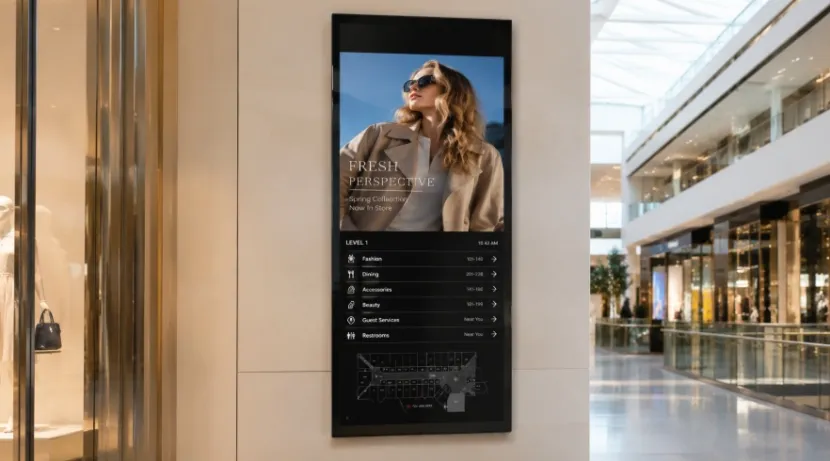
A 24/7 commercial display often shows menus, prices, or directions. It also shares safety alerts and check-in steps. If it suddenly dies, people miss vital details. Then, daily workflows can easily stop.
For reliable 24/7 commercial display operation, always check the entire setup. This includes the screen, power supply, and cooling. Also, review the player, network, mounts, and repair plans.
Before buying a 24/7 digital signage display, figure out its exact spot. Note its active hours, planned content, and repair team. These facts prevent costly mistakes.
What Does 24/7 Operation Mean for Commercial Displays?
What does 24/7 operation mean for commercial displays? It means the unit is intended for continuous daily use under stated conditions. It does not mean the screen can ignore heat, blocked vents, unstable power, or a fixed image left unchanged for months.
Commercial Display Duty Cycle
The commercial display duty cycle states the recommended daily and weekly operating time. A 16/7 screen is not the same as a model rated for 24 hours a day, seven days a week. For reliable commercial display continuous operation, also check panel life, backlight life, operating temperature, warranty terms, and portrait-use limits.
Commercial Display vs Consumer TV
A commercial display vs consumer TV comparison should focus on workload, not picture quality alone. A home television may suit a weekend booth, but it may lack remote tools, portrait support, scheduled recovery, or a commercial-use warranty. So, can a consumer TV run 24/7? It may stay powered on, but that does not make it the best display for continuous commercial operation.
Which Hardware Details Matter Most?
Your screen faces constant electrical load and heat. Bright shop lighting, dusty vents, tight wall cavities, and static menus add more stress. Hardware choices need to match the real site, not a clean showroom.
Commercial Display Heat Management
Good commercial display heat management starts with airflow. Ask how much ventilation does a commercial display need, then follow the maker’s clearance rules. A recessed screen or kiosk may trap heat even when the display is rated for long hours. Keep vents clear and avoid placing power supplies beside another heat source.
Brightness, Burn-In, and Protection
A high brightness commercial display makes sense near windows, under strong retail lights, or in a large public hall. More brightness is not always better. It raises power use and heat, so select it from the actual viewing conditions.
A sound commercial display burn-in prevention plan combines screen protection with better content habits. To learn how to prevent burn-in on commercial displays, rotate layouts, move fixed logos, schedule screen-off periods, and avoid one high-contrast menu all day. In greasy, dusty, or frequently cleaned areas, confirm whether IP protection covers the front or full enclosure.
How Should You Plan Content and Installation?
A strong panel can still fail as a business tool when content updates are slow or the mount blocks airflow. Plan installation and management at the same time as the screen.
Commercial Signage Remote Management
Commercial signage remote management lets you change promotions, menus, announcements, and schedules without visiting every location. Commercial signage in this product range supports video, images, real-time updates, and remote control. In practice, remote content management for digital signage should also include offline playback, automatic restart after power loss, status checks, and clear user permissions.
Mounting, Orientation, and Interfaces
Hanging signage saves floor space and improves visibility across malls, airports, stores, and public areas. One 55-inch suspended digital signage model is described with Full HD presentation, multimedia support, real-time content updates, flexible overhead mounting, and 24/7 operation. Check sight lines before installation. A screen seen from several directions needs wide viewing angles and tidy cable routing.
Also confirm HDMI, USB, Ethernet, Wi-Fi, audio, and any control ports required by your player. If a built-in system runs your app, test the exact software build, touch function, and recovery behavior before rollout.
What Does Ownership Cost Over Time?
The purchase price is only the first line on the bill. Energy, installation, service calls, replacement labor, spare units, and lost screen time all affect the commercial display total cost of ownership.
Commercial Display Maintenance
A practical commercial display maintenance routine includes cleaning vents, checking mounts and cables, updating software, reviewing storage, testing restart functions, and watching for brightness or color changes. It is simple work, but it often gets forgotten until a store manager sends a photo of a frozen menu.
For large projects, keep a spare player or screen at critical sites. Define who receives an offline alert and who can restart the unit remotely.
24/7 Commercial Display Selection Checklist
Use this 24/7 commercial display selection checklist before ordering:
- Is the exact model rated for the required hours?
- What temperature, brightness, and orientation limits apply?
- Does the warranty cover commercial use?
- Can content continue during a network outage?
- Does it restart after power loss?
- Are remote updates and status checks available?
- Does the mount leave enough cooling space?
- Are parts, software support, and customization available?
Where Can 24/7 Commercial Displays Work?
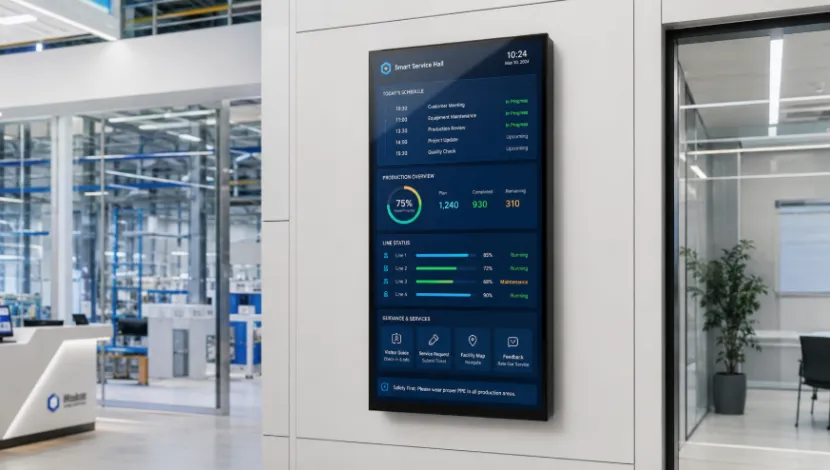
The right choice depends on the job. A retail promotion screen, hospital directory, hotel check-in unit, and factory dashboard may all run long hours, but they face different risks and user behavior.
Retail, Transport, and Public Information
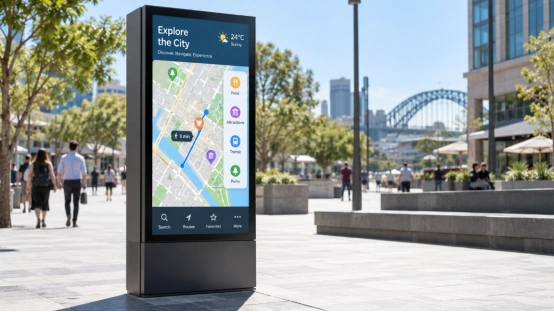
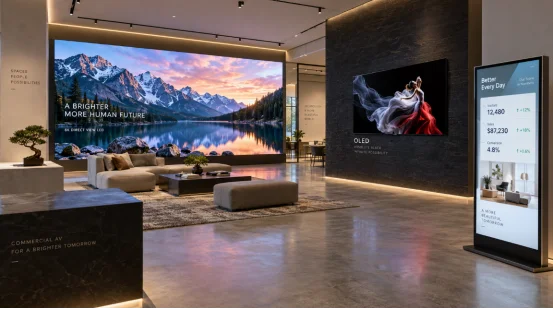
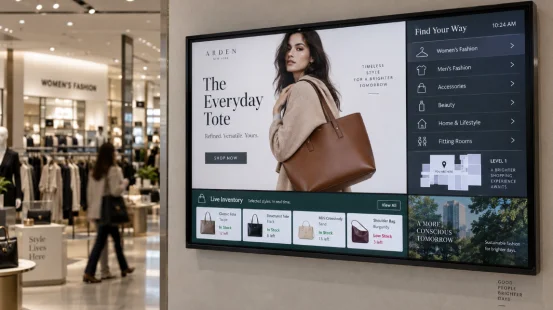
Digital signage can serve stores, malls, airports, stations, hotels, exhibition spaces, and other high-traffic locations. Typical content includes promotions, product launches, store hours, notices, schedules, safety instructions, wayfinding, and limited-time offers. Suspended screens keep walkways open, while floor or wall placement may suit entrances and service points.
Service Halls and Smart Factories
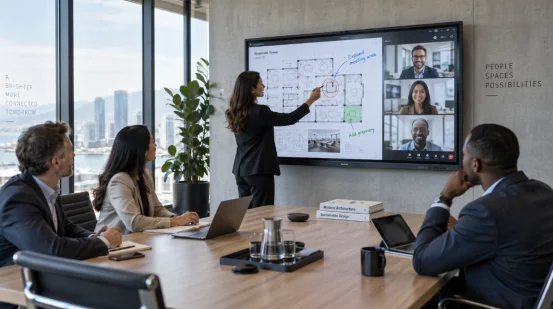
All-in-one units can support self-service ordering, hotel check-in, appointment lookup, public-service queries, lessons, and interactive training. In factories, screens can show production progress, equipment status, quality data, inventory, maintenance alerts, safety guidance, and workflow trends.
A documented 32-inch all-in-one display uses a 1920 × 1080 display, a 16:9 ratio, selectable system versions, and hardware or software customization. These details matter when your project needs a fixed app, industrial data display, or tailored interface.
How Can YIAISIGN Support a Commercial Display Project?
When you are deciding how to choose a 24/7 commercial display, supplier flexibility matters almost as much as the panel. YIAISIGN offers digital signage, all-in-one machines, digital art frames, day clocks, and portable displays. Its published product information covers hanging and floor-standing signage, remote content updates, multimedia playback, touch options, system integration, and hardware or software customization.
That mix helps when a standard screen does not fit the site. You may need a suspended 55-inch unit for a mall, a touch-enabled all-in-one display for a counter, or a customized housing for a service terminal. Share the installation method, screen size, daily run hours, software, connectivity, and environment before requesting a final configuration.
FAQ
Q1: What Is a 24/7 Commercial Display?
A: It is a commercial screen intended to run continuously under stated temperature, mounting, brightness, and maintenance conditions.
Q2: Can a Consumer TV Run 24/7?
A: It may remain on, but it may not carry the right duty cycle, cooling design, portrait support, remote tools, or commercial warranty.
Q3: How Much Ventilation Does a Commercial Display Need?
A: The amount depends on the model, mounting method, enclosure, brightness, and room temperature. Use the maker’s required clearance.
Q4: How Do You Reduce Burn-In Risk?
A: Rotate content, move static elements, use panel protection features, lower unnecessary brightness, and schedule rest periods where possible.
Q5: What Should You Check Before Buying?
A: Review the 24/7 rating, operating limits, warranty, remote management, offline playback, restart behavior, interfaces, mounting, and service support.