A screen can look identical on the wall while behaving very differently behind the glass. One may start each morning with a simple playlist. Another may pull live data, run a touch interface, and sit inside a tightly managed company network. That is why the digital signage OS deserves attention before you order hardware.
For most commercial projects, Android vs Windows digital signage comes down to how much complexity your screens truly need. The better choice is usually the one that fits your daily workload, not the one with the longer feature list.

Why Does the Digital Signage OS Matter?
Your operating system affects more than the media player. It shapes setup time, content options, security routines, remote content management, hardware cost, and the type of support your team will need later.
A mismatch can become obvious fast. A small chain may pay for a Windows digital signage player when a straightforward Android unit would do the job. A corporate site may choose a low-cost player, then discover it cannot run the required data dashboard or touch application. Screens are often installed high on walls or across several locations, so fixing the wrong choice later is rarely fun.
How Does Android Digital Signage Work?
Android digital signage uses a familiar mobile-style operating system in an all-in-one display or separate media player. It is widely used for menus, promotions, welcome screens, product loops, and basic information boards.
The appeal is practical. You can usually get the screen online, install compatible signage software, and publish content without a lengthy IT project.
Lower Hardware Cost and Faster Rollout
An Android digital signage player is generally more affordable than a comparable Windows device. It also needs less storage and processing power for common full-screen videos, images, web pages, and scheduled playlists.
This makes Android a sensible fit when you need many screens across retail stores, restaurants, reception areas, or small service locations. An Android all-in-one commercial display also reduces cable clutter because the display and player sit in one unit. That detail matters more than it sounds when a counter, wall, or shelf has little spare room.
Android is not limited to simple slideshows. Many systems support screen orientation, timed content, split layouts, and remote updates. Still, check the exact software and hardware pairing before purchase. App support can differ between devices.
Best-Fit Commercial Uses
Choose Android digital signage when your content is mostly repeatable and visual, such as:
- Daily menus and promotional offers
- Product advertising loops
- Visitor notices and reception screens
- Store displays across several locations
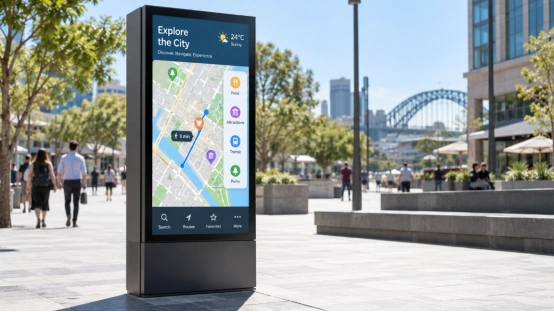
- Simple wayfinding or queue information
For these jobs, quick deployment and manageable costs often matter more than deep device customization.
When Does Windows Digital Signage Make More Sense?
Windows digital signage suits projects with heavier content, special software requirements, or close links to an existing business network. It generally needs more setup work, but it gives your technical team more room to configure the system.
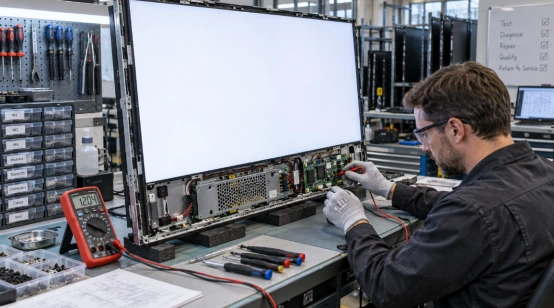
That extra control has a cost. Hardware is often more expensive, and ongoing management may require staff who are comfortable with Windows administration.
Greater Control for Complex Content
A Windows digital signage player can handle demanding multi-zone layouts, interactive touch applications, advanced web tools, live data feeds, and custom programs. It is a stronger choice when a screen needs to do more than play scheduled media.
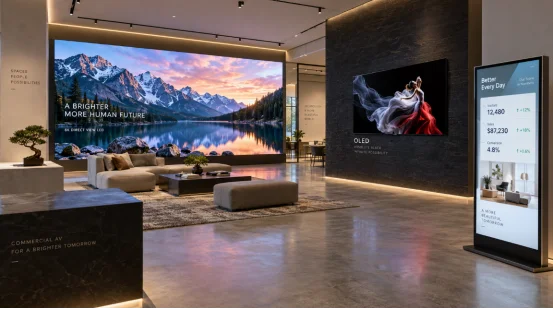
Think about a control room dashboard, a large lobby video wall, a manufacturing display with live production figures, or an interactive directory. These applications may need more memory, stronger processors, and software that only runs well on Windows.
IT Integration and Long-Term Scaling
Windows digital signage can also fit naturally into companies that already use Windows-based devices and security rules. Your IT team may be able to apply familiar access controls, monitoring routines, and update policies across the signage network.
That does not automatically make Windows the safer option. A poorly maintained Windows installation can still create downtime. The key question is whether your team has the capacity to manage it. For a two-screen café, the answer is usually different from a 200-screen campus.
Android vs. Windows Digital Signage: What Should You Compare?
A useful digital signage solutions comparison starts with the screen’s actual job. Avoid choosing an OS based on a single feature, especially one you may never use.
Write down the content types, number of locations, expected operating hours, network rules, and who will update the screens. Those points usually make the decision clearer.
Content and Screen Requirements
Android is often enough for standard commercial digital signage content: video, images, menus, promotional material, and scheduled announcements. Windows is better suited to custom applications, advanced interactivity, or content that relies on specific desktop software.
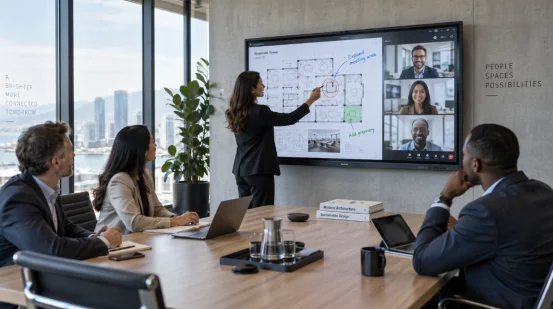
Display format matters too. A compact counter screen, a portrait advertising display, and a large public information screen do not place the same demands on the player. A bright screen in a shop window also has different needs from an indoor meeting-room display. The OS is one piece of the purchase, not the whole purchase.
Budget, Support, and Lifecycle
Consider the full cost over time. Android hardware may cost less upfront and can be easier for non-technical staff to run. Windows may justify its higher cost when it prevents software limitations or reduces friction with an established IT environment.
Ask suppliers about operating hours, panel quality, mounting options, connectivity, warranty support, and whether the device is designed for commercial use. A consumer screen playing all day can become an expensive shortcut.

Choosing a Display Partner for the OS You Need
The right supplier should help match the display format and operating system to the application instead of pushing one standard configuration. YIAISIGN’s digital signage product range includes Android all-in-one machines, digital signage, advertising machines, portable monitors, and smaller display formats. That range is useful when a project needs different screen types without treating every location as identical.
The company states that it has more than 15 years of display-screen manufacturing experience. For an Android-focused rollout, an all-in-one format can simplify installation. For a more specialized setup, the screen specification still needs to match the chosen player, content workload, viewing distance, and environment. The OS decision works best when it is made alongside those hardware details.
FAQ
Q1: Is Android or Windows better for digital signage?
A: Android is often better for cost-sensitive projects with standard media content. Windows is better when you need custom software, complex interactivity, or close IT-system integration.
Q2: Can Android digital signage run all day?
A: Yes, when you select commercial-grade hardware designed for the required operating hours and give it stable power and network access.
Q3: Is a Windows digital signage player harder to manage?
A: Usually, yes. It offers more control but often needs more technical setup, security management, and software maintenance.
Q4: Can you manage Android digital signage remotely?
A: Many Android signage platforms support remote content management, scheduling, and device monitoring. Confirm those functions with the software provider before deployment.
Q5: What should you check before choosing a digital signage OS?
A: Check your content complexity, number of screens, budget, IT support, required integrations, operating hours, and whether the hardware is built for commercial use.