The lack of a good management system, make your morning always easily find assignments folder, not matching socks and has not yet complete school form. Modern homes often miss a main spot that pulls together every job, paper, and plan in one easy place. A family command center handles that job well. It changes messy info into something everyone knows about. And it turns busy mornings into peaceful ones.
Yet in our busy tech world today, old sticky notes and big wall calendars just can’t handle it all. That’s why smart digital tools fit right in. If you want a setup that matches your daily life and doesn’t add extra work, it’s time to update your home with digital help.
By the way, here’s a site you should save: Shenzhen Yijing Technology Co., Ltd. (YIAISIGN). This reliable company makes digital screen tech, from clever clocks to useful all-in-one setups. They have more than 15 years in the business and sell to over 60 countries around the world. YIAISIGN creates custom screen systems that blend into homes, offices, and other spots easily.
Why a Family Command Center Matters
You may blame your daily habits for the mess. But habits aren’t the real trouble. The issue is things being spread out. Without one main area to run your family’s daily tasks, even helpful apps end up ignored.
The Hidden Cost of Disorganization
Mornings wasted looking for permission slips or checking calendars that clash aren’t just annoying. They wear you out. Each forgotten meeting or extra trip to the store takes away your time and energy. Kids in homes like this pick up on the worry. That can affect how they do in school and act at home. Good apps won’t fix it if they stay on different phones and don’t connect.
Benefits of Centralizing Family Operations
When all your plans, jobs, and alerts sit in one spot, your home runs better. A command center gets everyone involved, not just the main parent. It cuts down on tired choices by planning usual needs ahead. Plus, it saves time since you see everything quickly. This works for syncing school pickups or noting who walked the dog. When folks see it all, they take more responsibility.
Core Elements of an Effective Command Center
Not every setup works the same. A good family command center mixes clear views with easy changes. It fits both grown-ups and children too.
Calendar Integration for Everyone’s Schedule
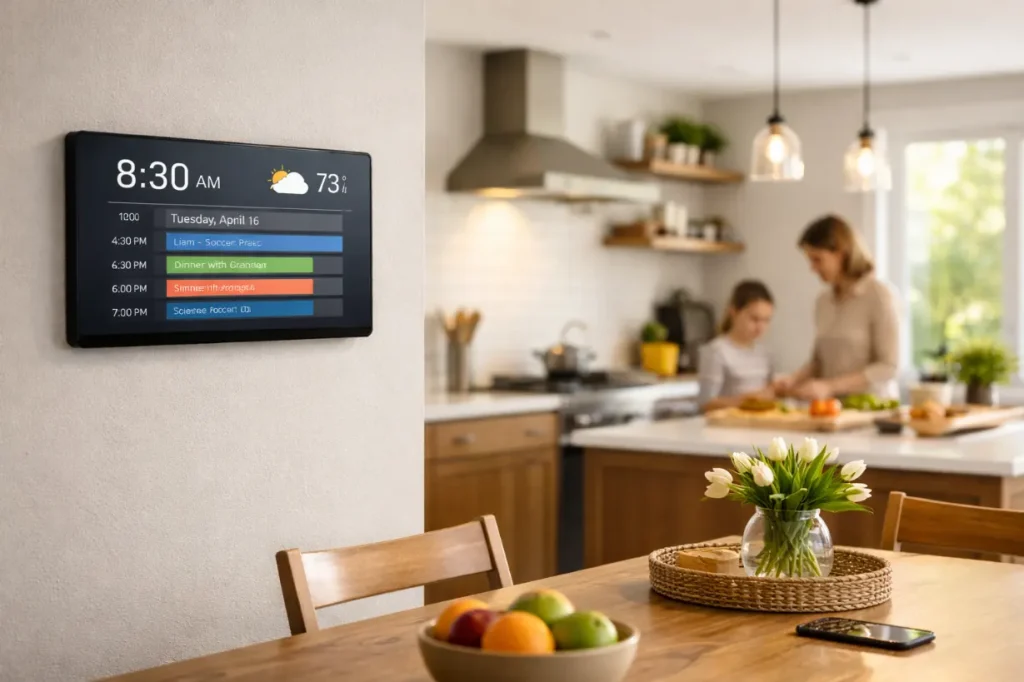
A shared calendar is a must. Pick a digital one that links up with many devices. So if you add an event on your phone or a home touch screen, it appears for all. Color codes help tell apart people’s activities or types of events. Set up repeating ones like weekly games or monthly bills so they won’t be missed.
Task Management That Actually Gets Things Done
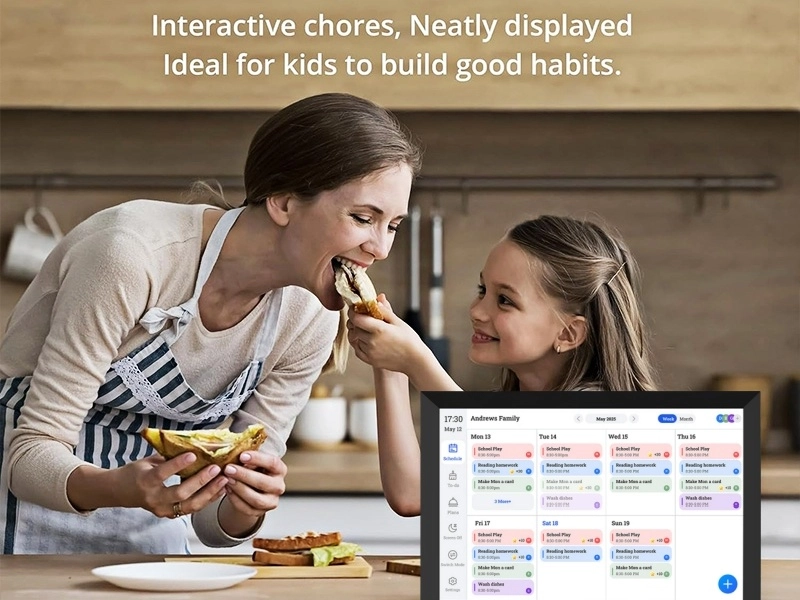
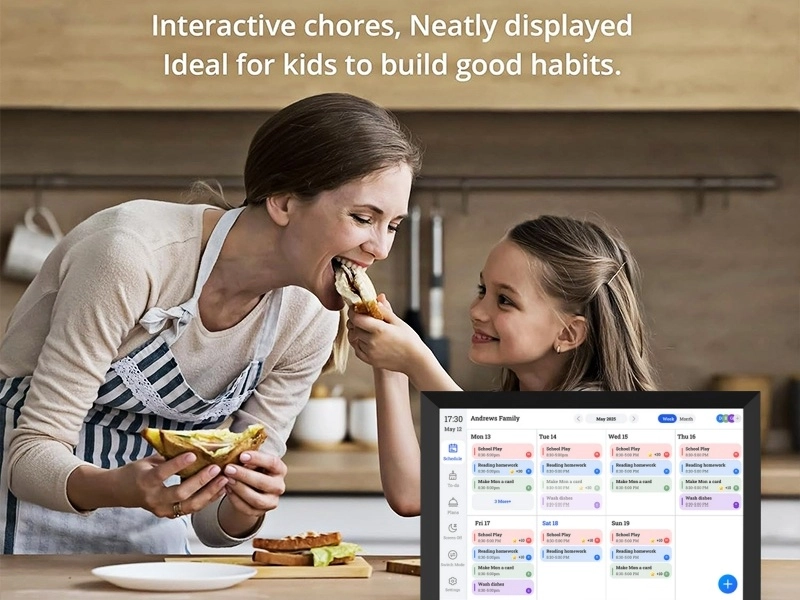
Handing out jobs gets simpler when they’re right there to see. A wall list for daily or weekly chores lets everyone mark them off. For small kids, picture checklists work great, especially with rewards. You won’t need to watch over them if the setup is clear and simple.
Document Storage and Quick Access Zones
Papers lying around cause less hassle when key ones have a set place. Keep physical stuff like school papers or store receipts in marked folders or wall pockets by the center. For keeping things long-term or grabbing on the go, turn files digital. Store them online or on shared gadgets.
Choosing Between Physical and Digital Tools
You don’t have to drop paper altogether. But knowing when paper helps more than digital makes a big difference.
When Paper Still Works Best
Hands-on feel counts a lot, mainly for kids learning to help out. A chart with stickers or a quick written note might help a young child more than a phone buzz. Short notes on sticky paper can remind folks all day too.
Advantages of Going Digital in 2024
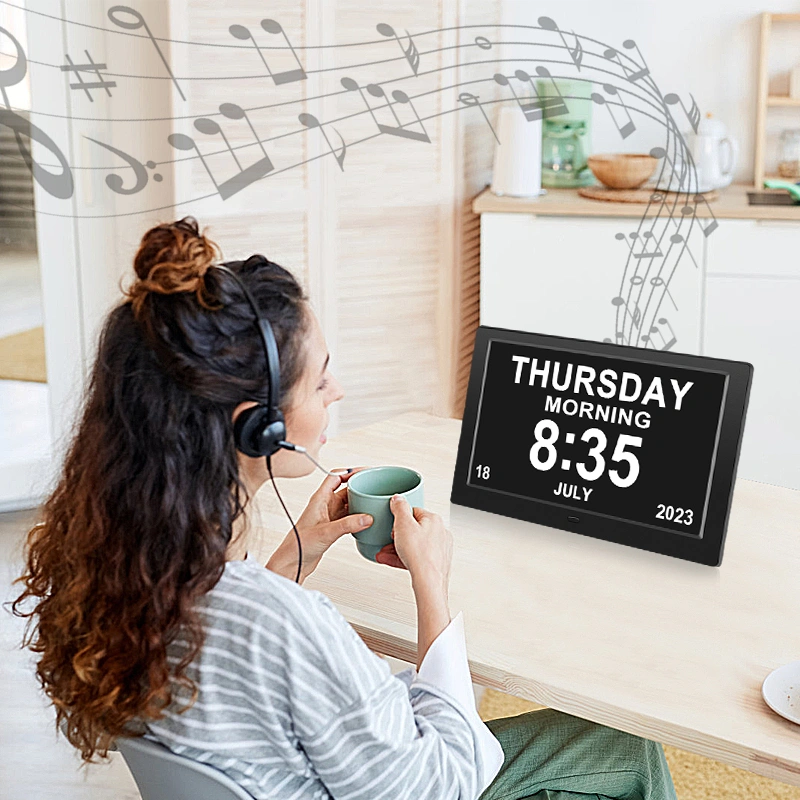
Updates that happen right away on all devices end the “I didn’t notice” reason. A smart calendar or day clock lets even those who can’t read join in with pictures over words. The 8” Wi-Fi Digital Day Clock has over 40 alert options for meds, school work, and other things. It keeps home routines steady without you always saying it out loud.
Kids or older family members gain from tools like the 8” Digital Calendar and Day Clock. It handles more than 10 languages. And it uses different picture icons to track meetings and pills in a visual way.
Designing the Command Center Space
The top system won’t help if it’s hidden in a back room. Where you put it and how it looks matter a ton.
High-Traffic Locations That Make Sense
Kitchens or front doors see the most action in homes. Those spots work best for your command center. Skip dark corners. If you can’t see it, you’ll forget about it for daily stuff.
Layout Tips for Functionality Over Aesthetics
Put like items close. Keep the calendar next to the job list. Pair mail holders with paper folders. Hang keys by the bags. Make good use of walls. Grids, hanging spots, or fixed screens organize without taking table room.
Keeping It Running Without Micromanaging It Daily
Sticking to it doesn’t mean making it hard. Set it up right at first. Then a little work keeps it going.
Set Weekly Family Sync Times
Save 15 minutes each Sunday night for a fast check-in. Look at the week’s plans together. Cover school happenings, food shopping, and ride shares. Fix anything on your command screen right then.
Build Habits Around the System
Get kids to look at the center before asking the same questions again, like “What’s dinner?” or “Soccer today?” Make it part of mornings. Check weather, lunch needs, and tasks all at once.
Upgrading Your Setup with Smart Display Tech
If your paper planner falls behind, consider smart screen tech to improve it.
When It’s Time to Add Screens That Do More Than Display Photos
Touch screens aren’t only for gadget fans. They’re handy for today’s homes. You can edit live, link to apps like Google Calendar, and use simple controls. They keep you on track without too much fuss.
Boost your digital side with the 23.8-inch Android All-in-One Machine. It’s a flexible, strong choice for work, shops, schools, and houses. These offer custom looks, easy Android use, and sharp pictures. They’re great for pulling family plans together while keeping a nice style.
Common Pitfalls to Avoid When Setting Up Your System
A bad command center just adds more worry instead of fixing it.
Overcomplicating the Design
Use what you know already. If your family likes Google Drive or Apple Calendar, stick with those. Don’t fight them. Skip fancy labels that need fixing all the time.
Ignoring Input from Other Family Members
The best plan flops if just one person gets it or uses it. Talk to kids about pictures they like. Some go for color squares. Others want icon lists. Let your partner pick text buzzes or picture boards.
FAQ
Q1: How frequently should I update our digital family calendar?
A: yiaisign calendar can be set daily, weekly and monthly plans, which can be edited in real time by synchronizing the device or the touch screen on the wall, and selected according to different family situations
Q2: What makes these smart displays ideal for home use?
A: These calendar displays are powered by the latest Android operating system and feature a full HD touch screen, allowing applications such as personalized Settings to run smoothly.
Q3: Is going fully digital better than combining paper tools?
A: For younger children, tactile elements like chore lists can be used, while for syncing schedules and managing complex processes, digital tools are relied upon.