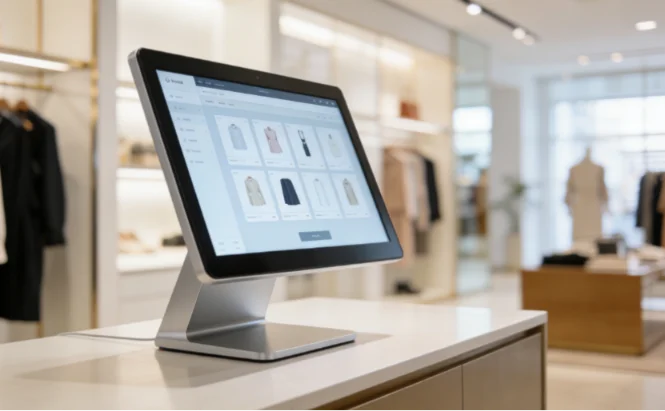
Setting up retail tech usually means dealing with unnecessary headaches. You buy expensive desktop-based setups. You pay for software licenses you never use. Then the hardware decides to break down right when the weekend rush hits. Retail operations need something simpler and much more reliable. Moving to an Android interactive kiosk changes the whole game. It cuts the bloat out of the equation. You just get the screen, the core operating system, and the specific application you actually want to run.
This shifts your focus from managing clunky machines to actually serving the people walking into your store. Store managers are realizing that retail is moving towards lighter, more efficient and more specialized hardware electronics.
What Are the Hidden Costs of Traditional Retail POS and Kiosks?
Traditional systems look fine on paper until you look at the total cost of ownership (TCO) over a three-year timeline. The initial price tag on the hardware is literally just the down payment. The real financial drain happens slowly in the background through maintenance and forced upgrades.
High Licensing Fees and Software Bloat
Legacy POS systems usually run on heavy desktop operating systems. You have to pay for the OS license for every single register. You pay for antivirus software. You deal with random background updates that slow the whole machine down during business hours. A retail POS hardware unit does not need all that background process weight just to display a checkout screen. Every extra background task is another chance for the system to freeze when a customer is trying to scan a barcode.
Hardware Failures and Maintenance
Old-school setups have moving parts. Cooling fans constantly pull in dust, dirt, and lint from the store floor. Hard drives eventually fail. Sometimes a business tries to save money by shoving a cheap consumer tablet into a metal stand to act as self-service kiosk hardware. Fast forward a few months, and the battery swells up from being plugged into the wall constantly. Finding a replacement means register downtime and lost sales. You cannot afford to have a broken screen sitting in the middle of a busy aisle.
Why Are Android All-in-One Machines Taking Over Retail?
Businesses are tired of the constant break-fix cycle. They are actively looking for industrial-grade solutions that just work out of the box. Android systems strip away the parts you do not need, leaving a highly reliable piece of glass and a motherboard that gets the job done.
Lower Total Cost of Ownership and Energy Efficiency
Commercial Android PC devices require much less power to run. These devices are designed to use low energy, providing an environmentally friendly and affordable solution for long-term use. The reduction in energy consumption can actually have a significant impact on your bottom line by simply plugging it in, holding it in place, and leaving it running.
24/7 Durability and Minimal Maintenance
With some hardware compromised by different environments and power kept on overnight, high quality equipment ensures reliability and minimal maintenance requirements, thus reducing overall operating costs.
Yiaisign custom Android kiosk mode not use cheap consumer parts, built for durability and high performance, very suitable for personal and professional use and eliminates the store environment of the most common physical point of failure.
Unmatched Software and Hardware Customization
Using android self-service mode also allows you to completely lock equipment, customers can’t quit your main order application, they are not able to modify the Settings of the wireless network or browse the web, the screen is always fixed in the check-out of the desired page.
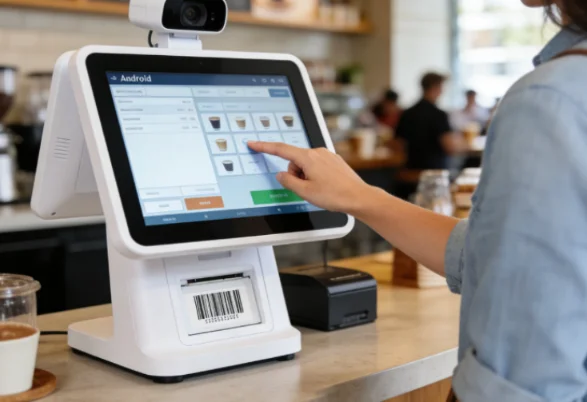
What Are the Key Retail Applications for Android Interactive Kiosks?
Screens placed in the aways can really solve practical problems for customers or store employees, knowing exactly where they are in the layout of the store and what they are doing. Simple and efficient self-service and checkout processes.
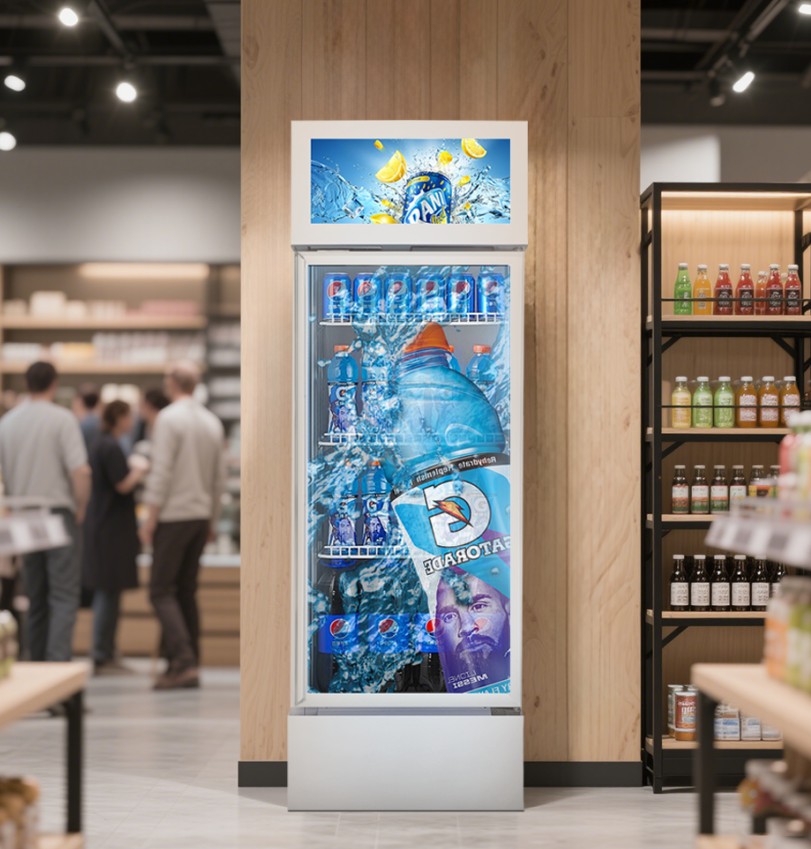
In retail stores, Android all-in-one devices can act as self-service kiosks for customers to browse menus, place orders, pay bills or check out items. Customers simply walk up to the screen and tap on the items they want, reducing wait times, improving the customer experience and reducing the workload for employees.
Digital interactive signage for attracting customer interaction
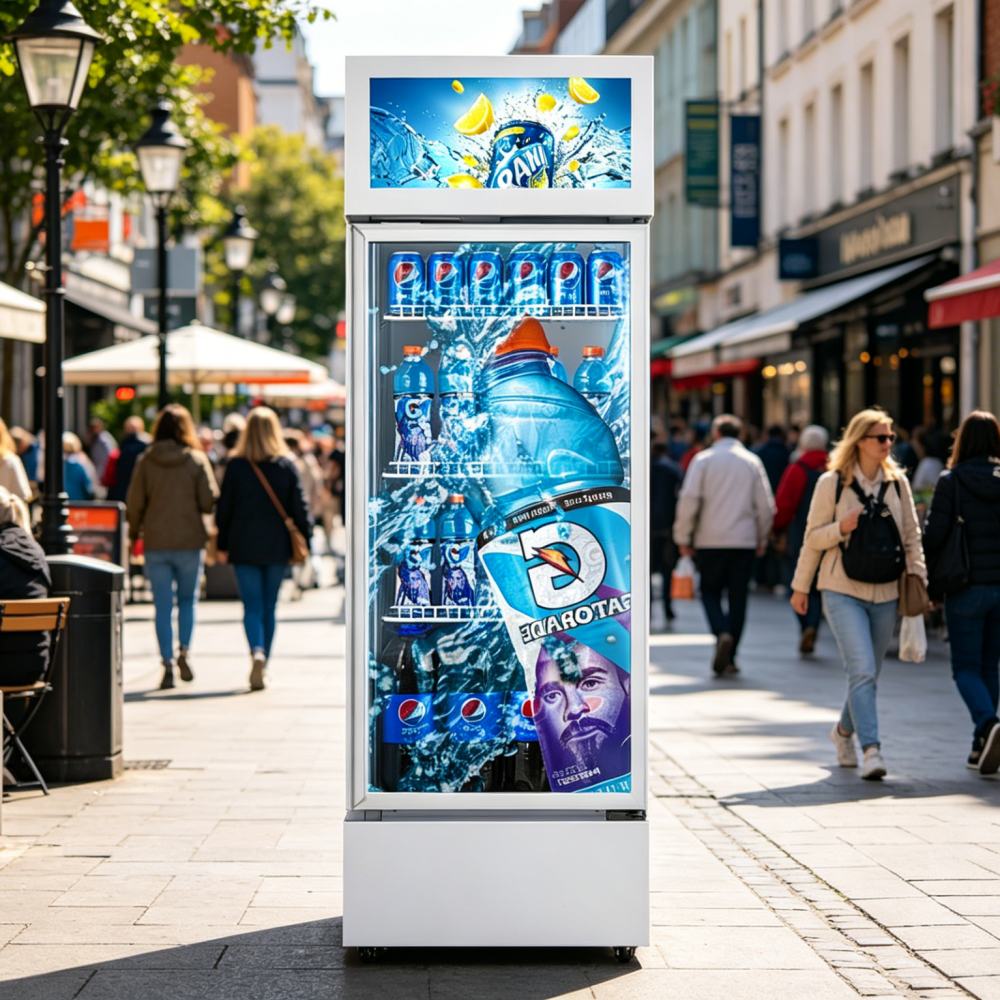
Nowadays, with the self-service checkout system or touch screen integrated interactive digital sign, can allow customers to interact with the content, browse merchandise or obtain preferential personalization, it is a kind of effective brand promotion tools to attract the attention of the customer..
How Do You Source the Right Hardware and Specs That Matter?
Getting the software right is only half the battle. You have to buy screens that will not go black in six months. Finding the right manufacturing partner changes the math on your entire store deployment.
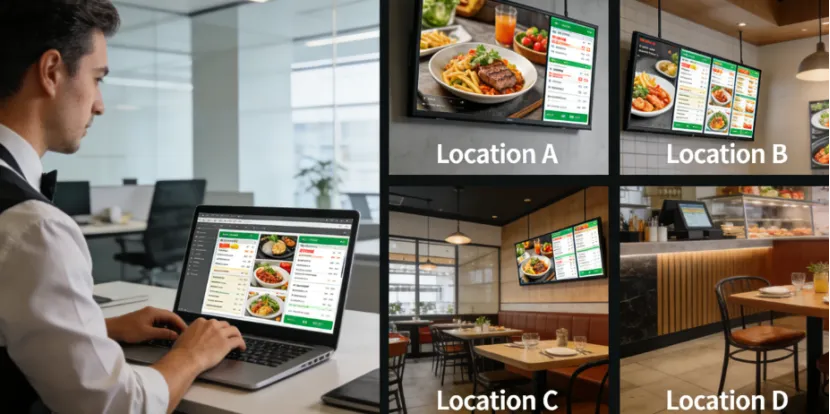
If you need highly reliable hardware, YIAISIGN delivers precisely what B2B buyers look for without the hassle. They provide a high-performance Android all-in-one machine lineup designed strictly for commercial spaces. You get options to fit any tight store layout. You can pick a 23.6-inch , a 27-inch , or even a massive 32-inch screen. These devices run on a modern OS, featuring Android 11.0 with an Android 13.0 option. The displays have a simple operation interface for easy management and accessibility across various user levels. Because YIAISIGN focuses on providing customizable solutions for different customers to provide different customized products, you get hardware tailored to your exact operational workflow. Their equipment is designed with low power consumption, offering a sustainable, cost-effective option without compromising on performance. This is how you source smart, future-proof retail tech.
FAQ
Question 1: Why is Android interactive self-service terminal better than traditional PC system?
A: Android (Android 6-13 is optional) avoids the need for a heavy desktop operating system to run faster on cost-effective hardware with lower power consumption and the ability to lock in a single retail application without background interference.
Question 2: Are yiaisign’s commercial Android displays durable enough to work in 24/7 retail locations?
Answer: Absolutely. The equipment passes elaborate design, long service life, reliable performance and reduce the need for frequent replacement, they can continue to run and click on the frequent operation.
Question 3: whether we can layout customized hardware for a specific retail counter?
Answer: can, yiaisign manufacturers equipment support custom hardware and software, to provide bespoke solutions for specific needs of different industries, different screen size, equipment, port, or customize the startup logo for your brand.