Some cafés and QSRs live with tight counters, tight labor, and tighter margins—yet guests stilleed a digital menu board for cafés and QSRs that’s bright, anti-glare, and always up to date. A compact 21.5″ Android all-in-one fits above the counter, stays legible in real light, and is affordable to roll out. It can be your menu board, promo board, and upsell screen in one.
Why Switch From Posters to a 21.5″ Android Menu Board
A digital menu board for cafés solves a different problem: staying current, cutting glare, and staying readable under bright light even in front windows.Paper ages fast. Prices change, dayparts rotate, promos come and go. A digital screen keeps what’s on the wall correct—without reprinting. It also fixes glare: anti-glare glass on a full-HD 21.5″ panel reduces reflections from windows and downlights, so customers read pricing at a glance instead of holding up the line.
What Small Counters Need: Compact, Clear, Simple
A 21.5″ AIO (all-in-one) hits the sweet spot: big enough for two-column pricing in portrait or full-width images in landscape, but slim enough for crowded back bars. Standard VESA mount, no external media box, minimal cabling. Full HD keeps add-on prompts like “+ oat milk” or “make it a combo” crisp at short distance.For tight bar layouts, that matters — you want a small footprint menu screen, not a giant TV that eats the whole back wall.
Dayparting and Price Changes in Seconds
This is classic dayparting menu display behavior: breakfast, lunch, happy hour, all scheduled. Because it’s a remote pricing update model, you can adjust cost or limited flavors without reprinting.
Cut Waste and Labor
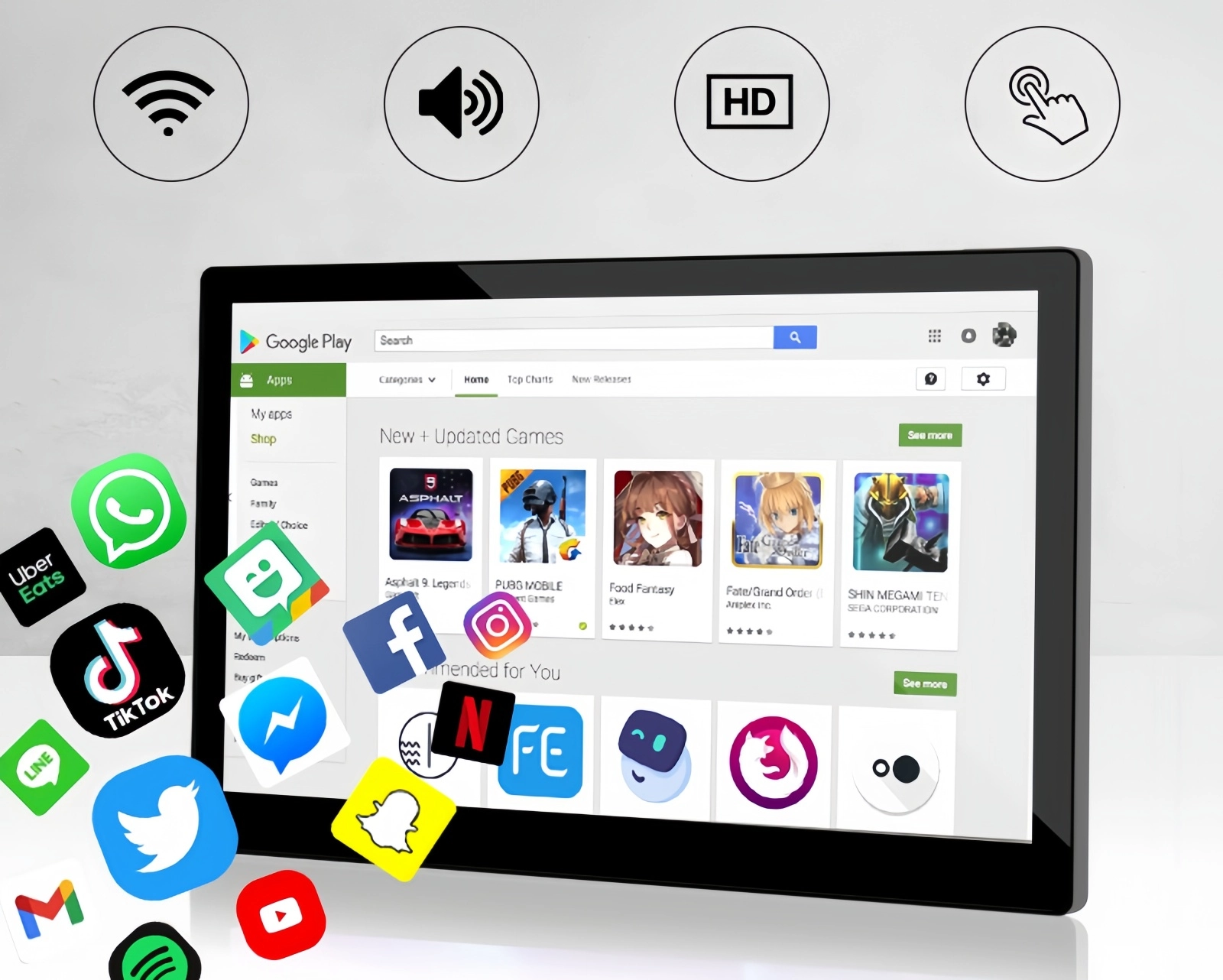
Because it’s Android, content runs natively: reuse templates for core menus, promos, and notices; loop short product videos; push updates across locations to keep pricing consistent and on-brand.
Smart Placement in Cafés and QSRs
- Above the counter: Portrait menu with clear categories and prices speeds ordering; anti-glare keeps it readable under track lights.
- Endcaps & pickup shelves: While guests wait, cycle desserts, bundles, and add-ons—quiet upsell without a hard pitch.
- Window-facing or host stand: Short loops (“Iced Matcha Today”) catch walk-by traffic; a matte/low-reflection finish stays legible in sunlight.
What to Check Before You Buy
Mounting & orientation: VESA plate, easy portrait/landscape rotation, clean cable routing.
Connectivity & CMS: Wi-Fi/LAN, USB for local loads, remote scheduling, and simple dashboards for non-IT staff. In practice, this is Android digital screen for restaurant menus, not a consumer TV with a USB stick.
Brightness & glass: Enough nits for bright lobbies plus anti-glare to prevent “mirror” effects. This is where an anti-glare menu board matters, especially if you’re near a front window
Power & uptime: Auto-boot to the menu after outages, on/off timers, thermal stability for long hours. You want an always-on signage screen that just boots to the menu every morning without help.
Roll Out on a Budget (Without Disrupting Service)
One-day pilot: Install a single 21.5″ above the busiest POS. Track two signals: fewer repeat questions and a lift in average ticket from visible add-ons.
Template workflow: Keep prices in their own text boxes; swap promo layers without rebuilding. Use small badges for allergens, caffeine, or spice levels.
30-minute staff training: Teach Wi-Fi push, schedule changes, and basic reboots. Shift leads can run daypart flips without IT.
Real-World Setups You Can Copy
- Coffee shop 2-screen split: Portrait menu by POS + landscape pastry loop at the case. Anti-glare helps against glass reflections.
- Fast-casual dayparts: Lunch bundles show at lunch—clarity up, order time down.
- Bakery pickup screen: Rotate “Order ready for Smith” with soft upsell slides for family boxes.
Quick Comparison
| Feature | 21.5″ Android AIO | Printed Posters | TV + External Stick |
|---|---|---|---|
| Price updates | Edit/push in minutes | Reprint & rehang | Update files per device |
| Glare control | Anti-glare available | Glossy reflections | Typically glossy |
| Dayparting | Built-in schedules | Manual swaps | Often manual playlists |
| Mounting | VESA, single unit | Tape/frame/stand | Bracket + visible cables |
| Multi-store | Remote sync | Ship & hang | Per-TV setup |
| Footprint | Slim, above-counter | Physical clutter | Often oversized |
Bottom line: Not just “it looks modern.” It’s “readable in real light and easier on staff.”
Total Cost of Ownership & ROI (Quick Math)
If you’re still weighing posters vs a 21.5″ Android AIO, do a napkin test. Assume you reprint core menus quarterly plus two promo runs per season: that’s 8–12 print cycles a year per store (paper, design tweaks, staff time to hang, and the “whoops” reprints). An Android AIO trims that to design only—no print, no shipping, no ladder time—so your hard cost drops and your soft cost (labor) shrinks. Then add the upsell effect: clearer add-ons (“+$1 non-dairy,” “make it a combo”) typically lifts attach rates a few points. On a small café volume, a 2–3% ticket lift usually covers the device within months, not years. Finally, multi-store? Centralized pushes prevent “rogue” pricing and brand drift, which saves hidden time fixing mismatched boards. This is basically menu boards on a budget: you stop paying for constant reprints and start using one screen to lift average ticket.
Accessibility & Compliance (Small Details, Big Impact)
A remote-update dayparting menu screen also helps with consistency and compliance. Digital layouts make it easier to do the things that often get skipped on paper: readable type sizes, color contrast that meets common accessibility guidelines, and clear allergen/caffeine markers. If you run bilingual menus or regional price differences, you can duplicate the master layout and only swap the language or currency layer—no redesign. For seasonal drinks, schedule a teaser frame that appears only after peak rush so it doesn’t slow ordering when the line is long. Small rules like these keep service flow smooth while still promoting new items. Net result: fewer “what is that?” stalls, faster lines, more consistent brand presentation across every store you operate.
Company Profile
YIAISIGN builds commercial Android all-in-one displays for retail, food service, transit, and other public signage. The focus: screens that behave in real environments—anti-glare fronts for bright spaces, solid wall mounts, portrait/landscape flexibility, and remote control across many sites. Media player is built in, reducing AV complexity. Engineering attention goes to brightness, heat, cabling, and daily usability—details that keep service smooth.
FAQ
Q1: What size works best for small counters?
A 21.5″ screen balances readability and footprint, with portrait mode fitting narrow wall space behind a register.
Q2: How does anti-glare help sales?
It keeps text and add-on prompts legible under bright lights or near windows, cutting “what’s in the combo?” delays.
Q3: Can we change prices and menus by time of day?
Yes—schedule breakfast, lunch, and happy hour. The board flips automatically; no manual swaps.
Q4: Is installation hard?
Most 21.5″ AIO units use VESA mounts and need only power and (optionally) a data line. No external player box.
Q5: One screen or more?
One above POS usually covers the core menu. Add a second at pickup for upsell and order-ready info as you scale.