If you travel with a laptop, you already know the drill. Tiny hotel desk, low light, one small screen packed with tabs. Maybe you try to work on slides while your mail and chat fight for space in the corner. By the end of the day, your eyes feel cooked and tasks drag longer than they should.
With a 15.6 inch portable monitor in your bag, that story changes. You suddenly have a second screen that still fits in a backpack and sits neatly beside your laptop. A small hotel table, a café bar or an airport lounge table can all turn into a simple dual screen setup.
For travelers, this extra screen is not just a nice toy. It often decides whether you are half working on the road or actually finishing real tasks.
What Makes A 15.6’’ Portable Monitor Ideal For Travel
When you live out of a suitcase or spend a lot of time on the road, every gram and every centimeter matter. A full desktop monitor stays at home, and tablet helps a bit, but it still does not behave like a real second screen for your laptop.
This is where a portable monitor for travel starts to make sense. It is built to move, yet still behaves like a normal monitor the moment you plug it in.
Compact Size, Low Weight And Easy Packing
The 15.6 inch size sits close to many mainstream laptops. That means it can share the same sleeve or backpack pocket without odd corners sticking out. Many 15.6″ travel monitors are only a few millimeters thick and weigh around 700–1200 grams, light enough to carry daily without much thought. Recent product roundups point to this size as a common choice for people who need more screen space but also fly often.
On a hotel desk or café table, the width lines up well with your laptop, so the setup looks tidy rather than hacked together.
Simple connection of USB-C and HDMI
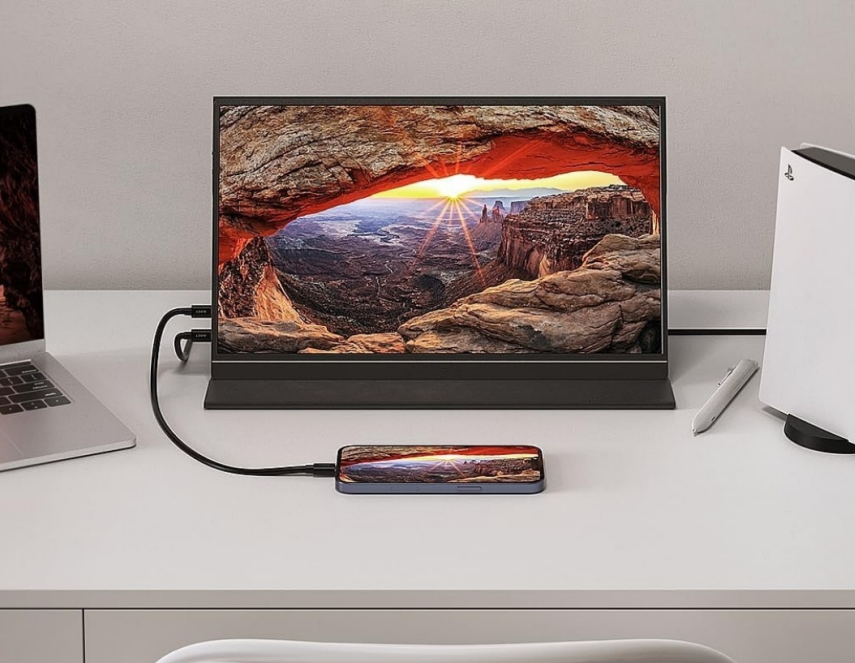
Computers are equipped with a USB – C interface to a portable monitor pairing, old equipment, game consoles, or a small personal computer through the HDMI can still work normally, displays in a variety of devices compatible..
Power Options That Fit Life On The Road
Most travel screens skip a built-in battery. That sounds like a drawback at first, yet it keeps the weight lower. You can power the panel from your laptop, from a small wall charger or from a decent power bank. Some media coverage of budget portable monitors notes how easy it is to run them from a single USB-C charger while working in an airport or on a train.
How Travelers Use Portable Monitors For Work On The Road
Once you start carrying a second screen on trips, you quickly spot the moments where it saves time and stress. The basic pattern is simple: fewer window swaps, more calm focus.
Turning A Hotel Room Into A Real Office
Hotel desks are often small and not very ergonomic. With a 15.6’’ monitor on the table, one screen can hold your main document or slide deck while the other shows email, notes or reference material. Dual screens can speed and accurately view text and spreadsheets at once for more information to improve office speed.
Working Comfortably In Airports And Cafés
Layovers and long train rides used to mean “reply to a few mails and hope for the best”. With a portable monitor for travel, it becomes realistic to push projects forward. A common layout is main work on the laptop and chat or task tracking parked on the extra display. Several portable monitor brands talk openly about this “work from anywhere” use case in their marketing, and you see the same pattern in many remote work blogs.
It is still not a giant desk, but it feels far less like working in a tunnel.
Entertainment On The Go With A Second Screen
Travel is not all about work. Long evenings in hotels or quiet nights at a relative’s house feel better when you have a decent screen for fun as well.
Bigger Screen For Movies And Streaming
Connect the portable panel to your laptop, to a phone with the right adapter, or to a streaming stick. Many travelers use the hotel TV for one thing and the 15.6’’ screen for another, so nobody has to argue over what to watch. Product reviews often note that integrated speakers and full HD panels are perfectly fine for casual movies and series on the road.
Portable Screen For Consoles And Handheld Gaming
Plenty of people now pack devices like Nintendo Switch or other small consoles when they travel. A travel-friendly monitor turns them into a mini living room setup. You can play on a bigger screen in an Airbnb, a cabin or even in a camper, as long as you have power. Several display makers now promote their portable monitors as companion screens for consoles and handheld PCs.
Sharing Content With Friends And Family
On trips with others, it is easy to use the screen to show photos, short clips or even tomorrow’s route. That feels much nicer than passing one phone around, and it keeps everyone on the same page when you plan the next day.
Setup Tips And Travel-Proof Best Practices
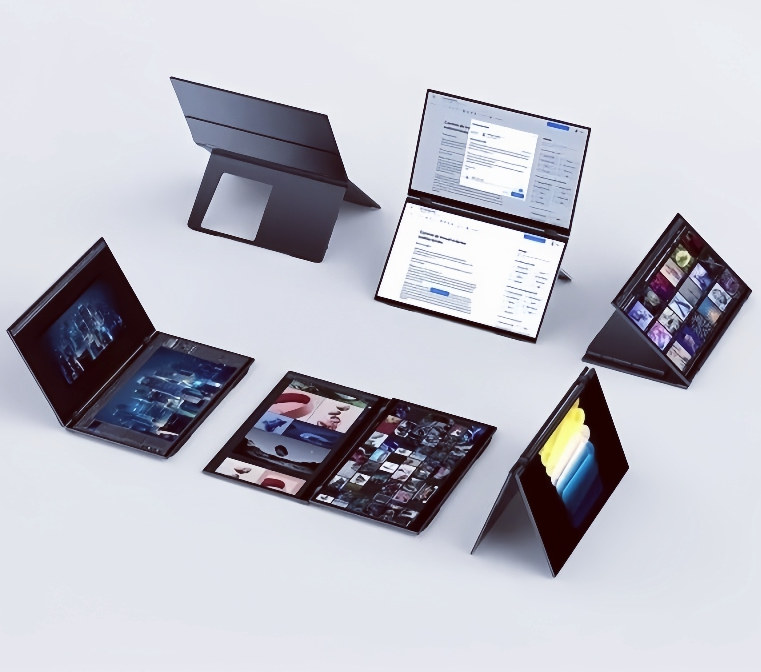
Bits of planning makes life with a second screen much smoother on the road. For packing, it helps to keep the monitor in a padded sleeve or to use the smart cover as outer protection. It is better not to place it at the very edge of a suitcase where pressure is highest.
Cables deserve a small plan too. Keeping at least one spare USB-C and one spare HDMI cable in your bag covers most failure cases. These things get lost and damaged easily, and a backup often saves the day in an airport or a client office. For small desks, angling the portable screen slightly toward you and keeping your laptop straight ahead gives your neck a break.
How To Choose The Right 15.6’’ Portable Monitor For Travel
Spec sheets can look crowded, but for most travelers a few basics do the heavy lifting. A 15.6 inch portable monitor with full HD resolution, decent brightness, a sturdy smart cover and both USB-C and HDMI will cover most work and entertainment needs. Portable monitor guides often list lightweight bodies, wide viewing angles and single-cable USB-C setups as top features for mobile workers and business travelers.
Extras like built-in speakers, low blue light modes or VESA mount support can be a bonus if you also want to use the screen at home between trips.
Display Solutions From YIAISIGN
YIAISIGN is a display brand operated by Shenzhen Yijing Technology Co., Ltd., a manufacturer with more than 15 years of experience in research, production and sales of digital photo frames, smart frames and touch advertising players. Public company profiles highlight in-house R&D and several production lines, which support OEM and ODM projects for clients in many regions, including North America, Europe and Asia.
The brand positions itself as a technical partner rather than a simple reseller. With its own engineering and factory base, it can adapt screen sizes, housings and functions for different use cases, from home use to commercial signage and portable monitors. For buyers who want a USB-C portable monitor or other custom display gear with stable supply, that kind of manufacturing background and export track record is a practical advantage.
FAQ
Q1: Is A Portable Monitor Really Worth Carrying When You Travel?
A: Not for every trip, but if you often finish reports, slides or editing on the road, a second screen can save a lot of time and scrolling.
Q2: Can You Use A 15.6’’ Portable Monitor On Small Hotel Desks?
A: In most cases yes. The size is close to a laptop, so both can sit side by side on many hotel or café tables without feeling too cramped.
Q3: Will A Portable Monitor Work With Phones Or Consoles Too?
A: Many models can connect to phones, handheld PCs or consoles with the right cable or adapter. It depends on the ports, so it is worth checking your devices first.
Q4: Does A Portable Monitor Make Flying Or Train Trips Easier?
A: It can help. Some people work or watch movies on tray tables using the cover as a stand, as long as they leave a bit of room for bumps and drinks.
Q5: Is Setup Hard If You Are Not Very Technical?
A: Most setups are simple. You plug in USB-C or HDMI, choose “extend screen” once in your system settings, and after that it usually comes back the same way each time.