Smart family calendars sell with nice screenshots. They survive with boring things: stable sync, fast touch, predictable roles, and software that does not change the rules every month. If you are buying for retail, private label, or distribution, this is less “which screen looks best” and more “which supplier will keep your support tickets quiet.”
This checklist compares what the market already likes (Skylight, Cozyla, Dragon Touch), then turns that into a procurement script you can use with any digital smart calendar manufacturer.
Why Long-Term Daily Use Is Where Smart Calendars Fail
Daily use sounds basic until a real household hits it: school pickups shift, WiFi gets renamed, grandma wants bigger text, and someone adds a recurring chore that repeats forever. That is when weak products show up. The failure is rarely dramatic. It is small friction that stacks up.
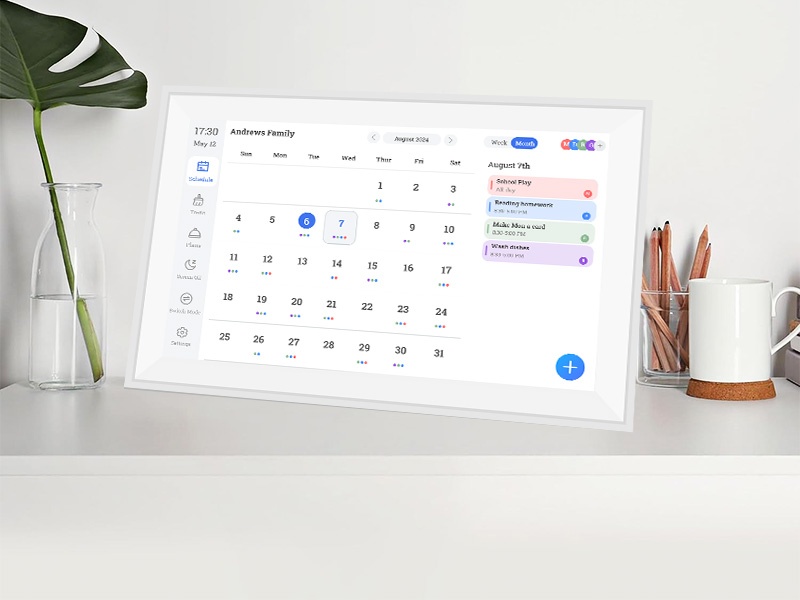
A digital daily calendar must feel quick, a digital monthly calendar must stay readable across a kitchen, and a digital family calendar must handle shared edits without turning into a mess. Those are the parts that decide whether your product becomes a habit or a return.
What “Daily Use” Looks Like in the Real World
Daily use is repetitive and a bit chaotic. People tap the screen while walking past. They glance from 2–4 meters away. Someone edits from the phone and expects the change to appear right away. If the device takes too long to wake, the mood turns fast.
That is also why a family digital wall calendar lives or dies on touch feel and visibility, not on clever animations. A smart calendar wall that feels instant gets used. A slow one becomes background decoration.
The Quiet Killers: Account Roles, Sync Gaps, and App Drift
Shared calendars are not hard. Shared permissions are hard. A good electronic family planner makes it obvious who can edit what. It also keeps the workflow stable when the app updates.
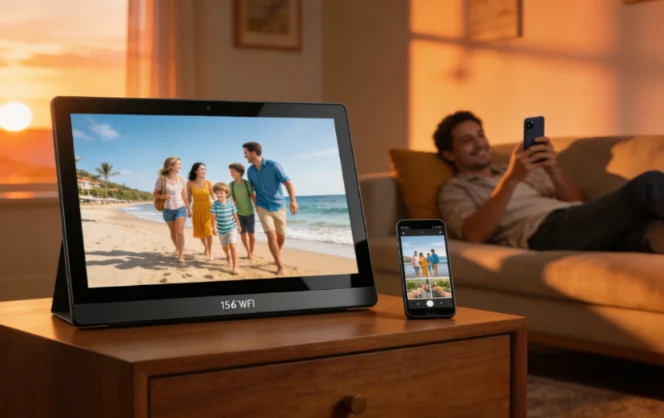
If your product depends on remote changes (photos, schedules, lists), you need the full loop to work: edit → sync → display. The product brief calls out stable WiFi connection, remote updates, and a dedicated companion app for a reason. That combo is what keeps the screen “alive” instead of stale.
Compare Top Brands Without Getting Trapped by Marketing Claims
Brand comparisons help because buyers search them. Procurement needs a different lens. Your goal is not to crown a winner. Your goal is to learn what users now expect, then decide what you must match, and where you can differentiate.
Skylight, Cozyla, and Dragon Touch all sell the same basic promise: shared schedule plus household coordination. Each executes it differently, especially in app features, lists, and paid upgrades.
Skylight Calendar: Strong “All-in-One Household” Positioning
Skylight markets the calendar as a touchscreen display that brings events, chores, dinner plans, and tasks into one place, with syncing across platforms like Google, Outlook, Yahoo, and Cozi.
Recent coverage also highlights an optional paid plan that adds an AI feature (“Sidekick”) and expands list functions and controls, which matters because subscription tiers can change your retail story and customer expectations.
What to learn from this brand in B2B terms:
- Users want multi-platform sync, not a silo.
- Lists (chores, meal plans) sell, even when buyers think only “calendar” matters.
- Subscription upsells can raise LTV, but they also raise complaints if the boundary between free and paid feels confusing.
Cozyla: Templates, Routines, Chores, and Voice AI
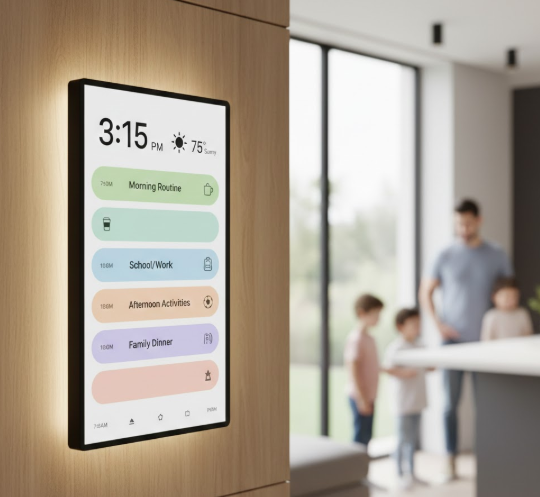
Cozyla’s Calendar+ pitch goes beyond calendars into chores, to-dos, shopping lists, and meal planning, with templates and routines that push it closer to an electronic family planner than a simple calendar.
Cozyla also promotes “Cozyla AI” with voice actions for managing family life, which signals that “assistive” features are becoming a selling point in this category.
What to learn:
- Families want repeatable routines, not only events.
- A fast template system reduces setup friction (and returns).
- Voice features are trending, but they need reliable basics first.
Dragon Touch: App Control, Lists, Photo Frame, and Paid Add-Ons
Dragon Touch positions its digital calendar around an app-driven workflow (“Manage from Anywhere”) and includes features like photo frame, chore chart, dinner plan, and grocery list, while also noting paid functions for advanced needs.
What to learn:
- Remote control is a core expectation.
- Bundled “lists” features are standard now, not premium.
- A freemium split can work, but it must be explained cleanly in packaging and onboarding.
Comparison Table: What Matters for Long-Term Daily Use
This table is not a spec war. It is a “what you should check” snapshot that maps directly to sourcing decisions.
| Dimension You Should Compare | Skylight Calendar | Cozyla Calendar+ | Dragon Touch Digital Calendar | What a Buyer Should Verify With a Manufacturer |
|---|---|---|---|---|
| Household Scope | Events + chores + meal plans + tasks | Shared calendars + chores + to-dos + shopping + meal plan | Calendar via app + photo frame + chore chart + lists | Can your digital family calendar show events and household lists without lag? |
| App + Remote Editing | Mobile app updates; ecosystem sync | Companion app + profiles + daily/monthly views | eCalendar app “manage from anywhere” | Who owns the app? What is the update policy? What is the remote sync delay target? |
| Routines / Chores Mechanics | Chores + lists highlighted | Chores, routines, rewards promoted | Chore chart included | Does your electronic family planner support recurring tasks and clear ownership? |
| Paid Tiers / Add-Ons | Optional paid plan; AI feature mentioned | AI features promoted | Paid functions mentioned | If you sell subscriptions, who handles billing, support, and disputes? |
| Best-Fit Channel Lesson | Strong mainstream retail demand | “Swiss army knife” positioning and routines | Value positioning with app control | Build your product ladder (sizes + features) and lock your support plan early |
The Buyer’s Checklist You Can Use Before You Source
This is the part that protects your margin. It is written for procurement, not for bloggers. Use it in RFQs and supplier calls.
The product brief you provided already points to a clear differentiation angle: 3-in-1 use (album + calendar + art gallery), FotoCube app, remote sharing, AI photo tools, and remote control. That is not fluff. It is retention logic.
Hardware and Performance Checklist
Start with what drives complaints. WiFi dropouts, slow touch, dim screens, and bad viewing angles show up as “it’s broken,” even when nothing is broken.
Key items to verify:
- Screen type and viewing angle (IPS matters for wall placement)
- Wake speed and touch latency
- WiFi standard and real stability (WiFi 6 is now a meaningful checkbox in listings)
- Ports that make service easy (USB-C simplifies power and accessories)
- Size plan for your channel (desk vs wall vs shared spaces)
Your brief includes practical reference specs that align with how buyers shop:
- 10.1 inch: 16:9, 250 nits, 1280×800 IPS, 5-point capacitive touch,
- 15.6 inch: 16:9, 300 nits, 1920×1080 IPS, 10-point capacitive touch
If you want a large digital family calendar line, the “custom 10.1–32 inch” range gives you room to build tiers instead of one SKU.
Software and Daily Experience Checklist
Hardware sells the first unit. Software decides the second order.
Check these with a sample:
- Shared setup: can a non-technical user add family members without stress?
- Roles: can you set an admin and basic users?
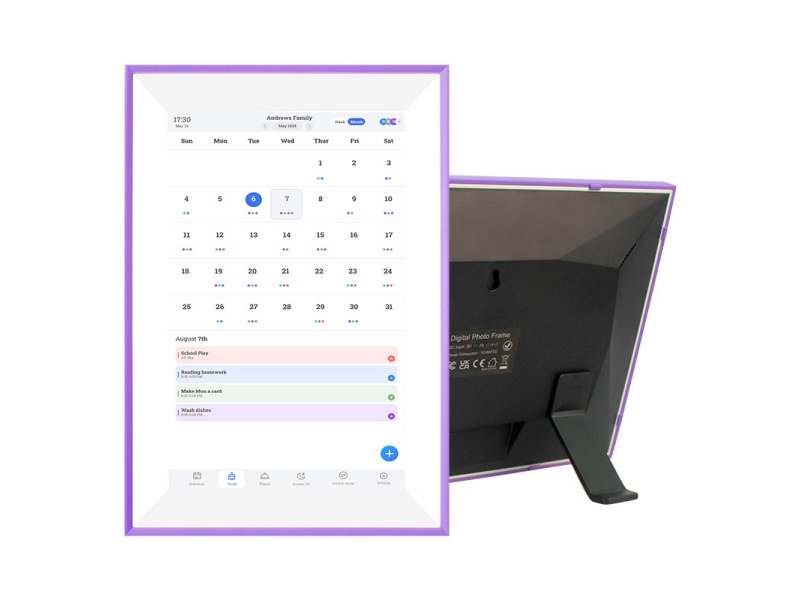
- Views: both digital monthly calendar and digital daily calendar must work cleanly (this is where most home users live)
- Lists and charts: do chores, to-dos, and custom lists stay visible and editable?
Your brief explicitly calls out family charts and custom lists on a shared screen, plus long-term daily use with touch interaction and reminders. Those details are exactly what buyers expect from a modern family electronic calendar.
Retention Features That Make the Product Feel “Worth Keeping”
Retention is not only “more stuff.” It is the feeling that the screen stays useful even on boring days.
The 3-in-1 model in your brief supports that:
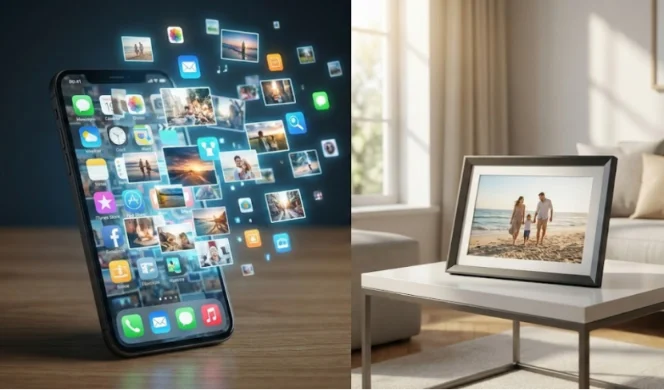
- Smart photo album: send photos/videos from phone to frame in real time
- AI photo tools: restore, upscale, crop (helps with old photos and low-quality images)
- Remote control: background music and display modes, which keeps the screen “alive” in a living space
- Art gallery mode: auto-play artwork to make the device blend into home décor, not feel like a gadget
That package helps you compete against “calendar-only” devices, especially in gift seasons and premium bundles.
What to Ask a Manufacturer Before You Sign a PO
This is where most B2B buyers either win or get trapped. The right questions turn vague promises into clear responsibility lines. Use the list below in email and request written answers.
Many brands in this category sell “all-in-one.” Your job is to confirm what “all-in-one” means when something breaks or when the app changes.
OEM and White-Label Questions That Prevent Expensive Surprises
Ask these, in plain language:
- What is the MOQ by size and packaging?
- Can the companion app be white-labeled, or is it shared across brands?
- Who controls app updates and release timing?
- What is the policy for bug fixes after launch?
- How is data handled (accounts, photos, calendars)?
- What is the target sync delay for remote edits?
- What aging tests run before shipment?
- What is the touch and WiFi test method in QC?
- What is the warranty term, and what spare parts are stocked?
- Can you provide compliance documents for target markets?
- Can you support multi-language quick-start guides and packaging?
- What is your peak-season capacity and lead time?
- What is the return/defect handling plan for bulk shipments?
- Can you ship wall mount + stand options for different channels?
- What is your escalation path for software issues (support SLA, ticket workflow)?
How to Turn Brand Demand Into Your Product Line
Shoppers will keep searching “best digital family calendar.” That phrase does not help you build a product line by itself.
A stronger strategy is simple:
- Entry: smaller touch digital calendar for desk or apartment
- Core: kitchen-ready family digital wall calendar
- Premium: large digital family calendar for shared spaces and higher ASP
Build around the daily-use requirements first. Add AI and gallery features as “keepsake value” rather than gimmicks.
Why YIAISIGN Fits Private-Label Smart Calendar Programs
YIAISIGN focuses on digital display products such as digital photo frames, digital calendar clocks, Android all-in-one devices, digital signage, and portable monitors. stated daily capacity around 3,000 units, plus international compliance claims (ISO9001, CCC, FCC, RoHS, CE) and multiple patents related to display technology.
YIAISIGN also highlights OEM/ODM support that covers hardware, software, and exterior design, which helps when your differentiation depends on app workflow, screen tiers, and packaging that does not look generic.
FAQ
Q1: Should your product pitch focus on digital monthly calendar or digital daily calendar views?
A: Both. Monthly planning sells the idea. Daily view drives habit. A good family electronic calendar supports routines and quick checks.
Q2: Do you need “chores and lists” if buyers say they only want a calendar?
A: Yes. Chores, grocery lists, and meal plans are the daily hooks buyers use. Those features show up across Skylight, Cozyla, and Dragon Touch for a reason.
Q3: What should you request from a digital smart calendar manufacturer before placing a larger PO?
A: Sample units, written QC steps, written update policy, and a clear warranty plan with spare parts. Add a simple test script for remote edits and shared tasks, then run it before you scale.