A smart family calendar sounds simple: put a shared schedule on a screen so everyone stops missing things. Then you start shopping and get pulled into inches, bezels, and “bigger is better.” Calendars are becoming everyday wall decorations, in the year 2026, the best smart home calendar lets you solve the mess.
Why Screen Size Feels Like the Obvious Choice
Screen size is easy to compare. It is also easy to sell. But a family digital calendar lives or dies by routine, not by specs on a product page.
Visibility Helps, But Habits Decide
A larger family calendar display is easier to read across the room, sure. Yet if adding a new event feels slow, or editing a chore list takes too many taps, the screen becomes background noise. A smart family calendar should remove friction. If it adds friction, nobody touches it after week two.
The Hidden Downsides of “Too Big”
A large digital family calendar can create practical annoyances: glare near a window, a screen that dominates a small kitchen wall, or a mount that forces you to place it where you do not want it. Size can also tempt you to over-pack the layout. Tiny text, crowded widgets, and cluttered color blocks defeat the point of quick “walk-by” planning.
What Matters More Than Screen Size in a Smart Family Calendar
Instead of starting with inches, start with how your home actually runs. A smart calendar wall works when it matches your daily rhythm, your devices, and your tolerance for small hassles.
Real-Time Sync And Remote Updates
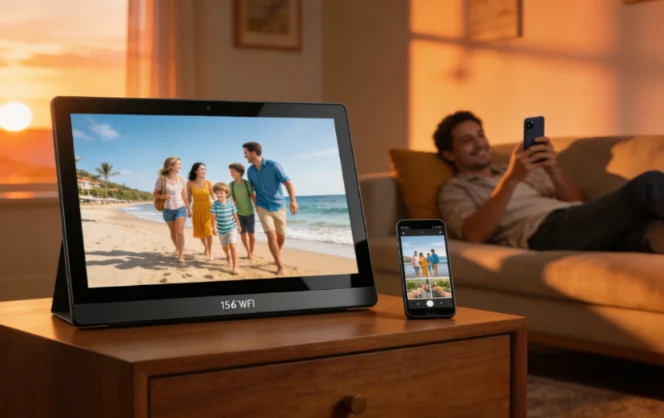
If your smart family calendar does not sync cleanly, it will fail fast. You want real-time updates across accounts and devices so you can add “dentist 3:30” from your phone and see it show up on the wall right away. A good family digital calendar also supports remote changes, so a caregiver, a parent on a work trip, or a teen at practice can update plans without waiting for someone to get home. This “anywhere update” behavior is one reason wall calendars beat paper planners for busy homes. The category is built around real-time sync and shared visibility.
To-Do Lists, Family Charts, And Custom Lists That Stay Visible
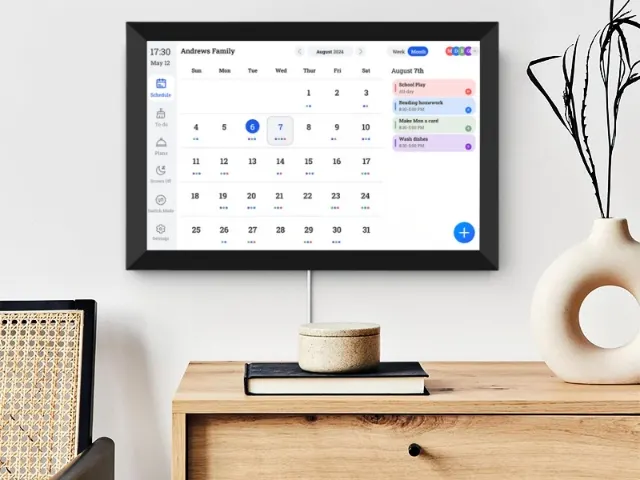
A calendar is only half the job. Families run on tasks. Look for an electronic family planner that can show chores, grocery reminders, and custom lists on the same shared screen. Some systems support family charts and customizable lists so you can keep “Trash Night,” “Dog Meds,” and “Lunch Prep” visible for everyone. That shared visibility cuts down the classic problem: one person carries the whole mental load while everyone else says, “Nobody told me.”
Touch Feel And Daily Editing Speed
A smart family calendar is a touch device, not a TV. If the screen reacts late, or touches miss, it will feel annoying. Touch interaction is part of long-term daily use, so responsiveness matters more than raw size. Multi-point capacitive touch is common in the category, and it makes quick edits feel natural when two people tap at once, like one person scrolling the week while another checks a checklist.
Connectivity That Does Not Flake Out
Wi-Fi stability matters more than inches. A family digital calendar can have a sharp display, but if it drops connection and stops updating, your household stops trusting it. Many modern units emphasize stable Wi-Fi and remote updates through a companion app, because that is what keeps the screen “alive” day after day.
How to Pick Screen Size Without Guessing
Once the core experience checks out, then you choose size. Do it based on distance and placement, not ego.
Match Size to Viewing Distance And the Room’s Job
If the screen lives in a tight kitchen corner, a mid-size family calendar display can be plenty. If it goes in an open living area where you glance from 10 feet away, bigger helps. Many buyers also want options beyond one standard size, because a hallway command center and a shared office wall are not the same thing. Custom ranges that cover roughly 10 to 32 inches let you match the space instead of forcing the space to match the screen.
Think About Mounting, Height, And Angles
A smart calendar wall should sit at a height where adults can tap comfortably and kids can still read it. Avoid mounting it where sunlight hits directly. If you have to fight glare every afternoon, you will stop using the calendar right when after-school chaos starts.
What Is the Best Digital Calendar for a Family in 2026?
This question shows up a lot: what is the best digital calendar for a family. The best answer is not a brand. It is a set of traits. You want a smart family calendar that stays visible, updates in real time, and supports shared tasks, not just dates.
A Simple Definition of “Best” That Holds Up in Real Life
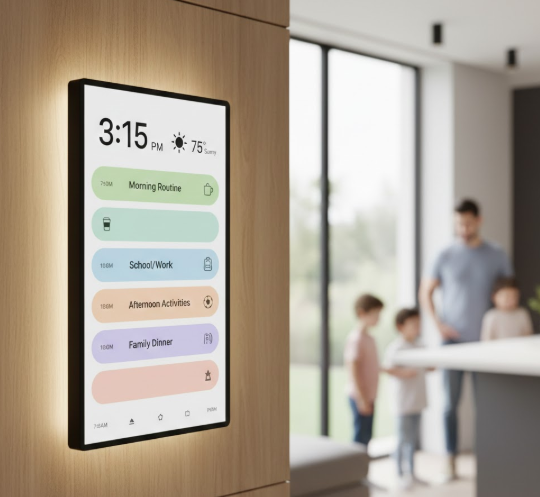
The best family digital calendar is the one that reduces repeats and confusion. It should let you assign tasks, keep routines visible, and make changes quickly. It also supports features like photo display or art rotation, which can help the screen feel welcome anywhere in the home.
A Quick Checklist Before You Buy
Use this fast checklist when comparing options:
- Real-time sync and remote updates
- Clear roles, color coding, and shared access
- Fast touch response for daily edits
- Reliable Wi-Fi connection
- Task lists, family charts, and custom lists
- A layout that stays readable at your normal viewing distance
Why a Wall Display Beats Apps And Whiteboards for Many Homes
Phone calendars are powerful, but they are personal. Whiteboards are visible, but they do not sync.
One Screen Cuts the “Did You See It?” Loop
A shared family calendar display changes behavior because it is hard to ignore. It sits where life happens. People walk past it on the way out. That simple visibility reduces the back-and-forth texts and the awkward “you never told me” conversations.
Shared Lists Beat Group Chats for Recurring Tasks
Group chats are messy for routines. Lists are cleaner. An electronic family planner that shows chores and reminders in the same place as the schedule helps you keep the basics on track. It sounds small, but it saves time. Also, it saves patience, which is the real limited resource in most households.
Why YIAISIGN Fits Busy Homes And Practical Buyers
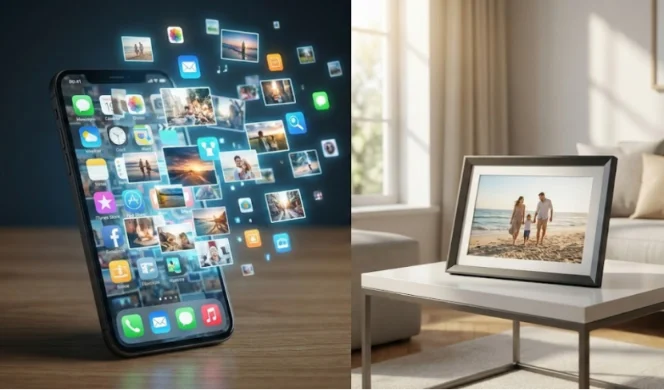
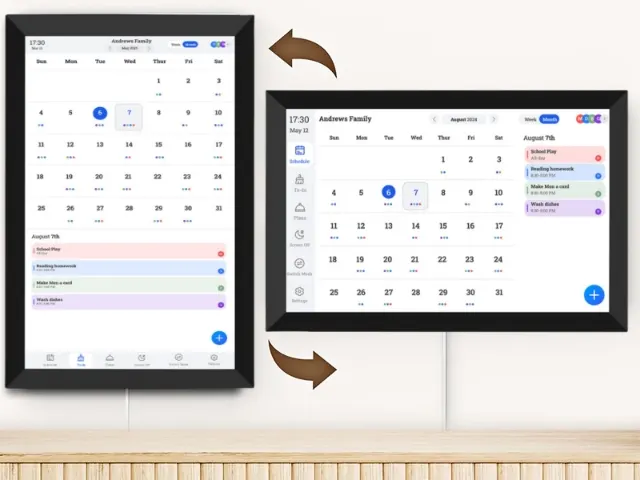
YIAISIGN builds digital smart calendar solutions designed for everyday use in homes, workspaces, and care settings. The product concept combines three functions in one device: a family calendar for shared schedules and tasks, a smart photo and video display with remote sharing, and an art gallery mode that can rotate artwork to lift the feel of a room. Remote updates are supported through a dedicated companion app, so plans and content can be changed even when you are not standing in front of the screen. Hardware options are available from about 10.1 to 32 inches, with IPS displays and Wi-Fi 6 for stable connection. Touch interaction is built for daily tapping and editing, with multi-point capacitive touch offered on different sizes. If your goal is a family digital calendar that stays visible, keeps tasks actionable, and still looks like it belongs in a living space, this lineup fits that brief.
FAQ
Q1: Is a smart family calendar worth it if everyone already uses phone calendars?
A: Yes, if the problem is not “creating events” but “nobody sees them.” A wall family calendar display keeps the plan visible, so fewer things slip.
Q2: How often should “family digital calendar” updates sync?
A: Ideally, in real time or close to it. If updates take minutes or fail often, trust drops and the system stops working.
Q3: Do you need a large digital family calendar for a big household?
A: Not always. Bigger helps at longer viewing distances, but speed, sync, and clear layouts matter more. Pick size based on your room and how far you view it.
Q4: What features make an electronic family planner easier to use every day?
A: Fast touch response, shared lists, simple color coding, and stable Wi-Fi. Bonus features like photo display or art rotation can also make the screen feel more natural at home.