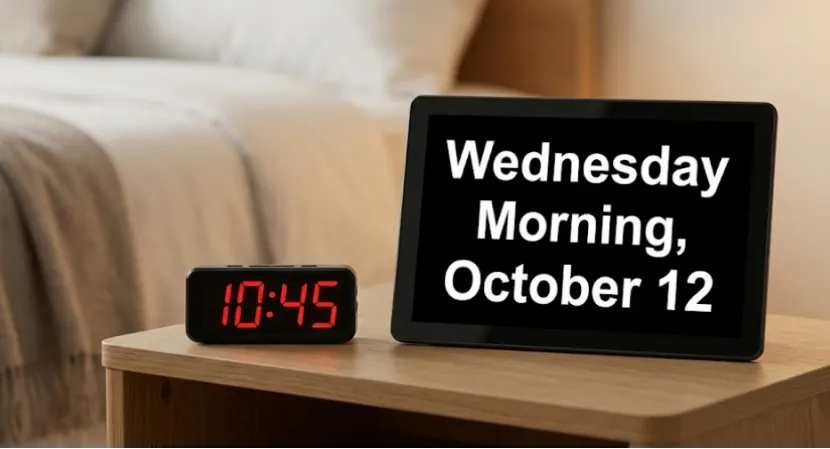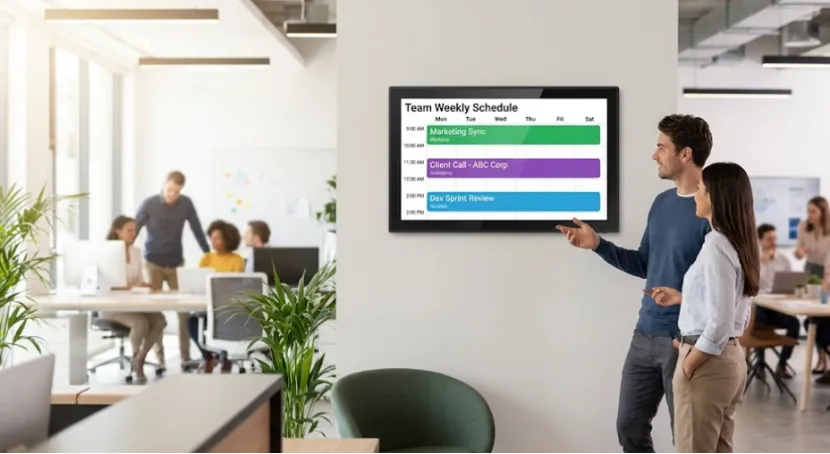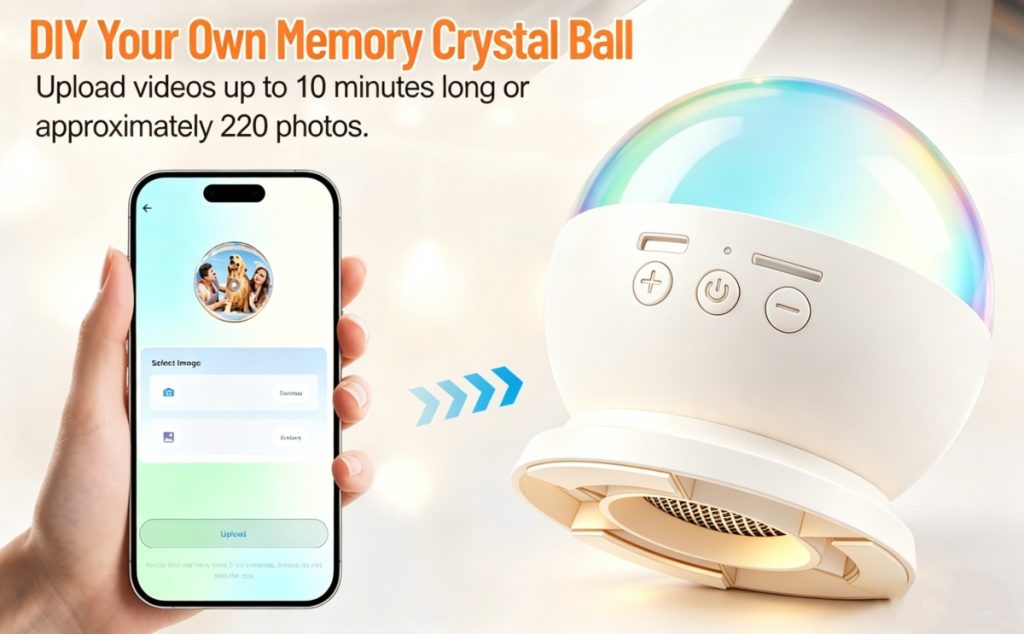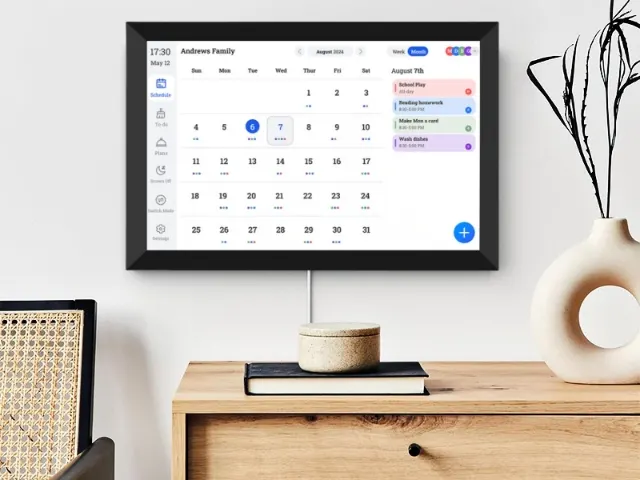
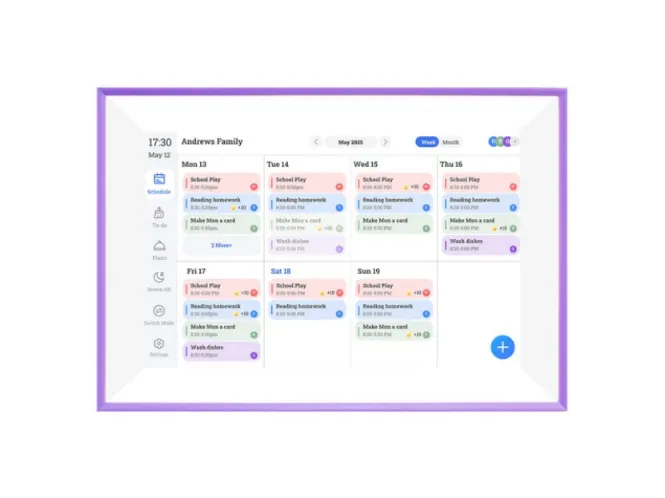
The best digital family calendar isn’t just a photo frame with a calendar widget—it’s an essential tool that deserves strategic positioning across your channels. A real “best digital calendar for family” behaves more like a shared command center for the household: tasks, events, photos, even a bit of art. To build that kind of product as an OEM/ODM buyer, you need clear requirements for display, touch panel, CPU, and OS long before the first sample leaves the factory.
Why Digital Family Calendars Matter For OEM/ODM Buyers
Families are moving from paper plans to a big screen on the wall, the best digital family calendars can display shared to-do lists and photos in one place, and visual planning, smart gadgets, and shared photo albums help with daily activities when the device is combined..
For you, that means one thing: the “best digital family calendar” is not just a spec race, it is a stability and UX race. If the screen is hard to read, touch is laggy, or the system hangs when several people update it, the product will not survive long in homes, and your channel partners will complain.
Common Pitfalls In Digital Family Calendar OEM Projects
You may have seen these issues before: choosing a cheap panel that looks washed out in bright kitchens, pairing a 10-point touch overlay with a weak CPU, or shipping on an old Android build that stutters when the calendar, photo album, and widgets run together. A clear manufacturing guide helps you avoid these traps.
Display Requirements For A Family-Friendly Calendar
The display is the first thing a buyer notices. It has to be readable at a distance, in daylight, and from the side when the device hangs on a wall. Your digital family calendar manufacturer should be able to discuss panel options in detail, not just quote inches and price.
Recommended Display Sizes And Parameters
For most homes, 10.1 and 15.6 inches cover the main use cases: countertop and wall hub. The table below is a practical starting point:
| Parameter | 10.1-inch Model | 15.6-inch Model | OEM/ODM Notes |
|---|---|---|---|
| Resolution | 1280 × 800 | 1920 × 1080 | Higher resolution needed for large family boards |
| Panel Type | IPS | IPS | IPS prevents color shift at wide angles |
| Brightness | 250 nit | 250 nit | Suitable for kitchens, living rooms, offices |
| Aspect Ratio | 16:9 | 16:9 | Standard for calendars, to-do lists, and photos |
| Viewing Angle | 178° | 178° | Critical for wall-mounted use |
| Connectivity | WiFi6 | WiFi6 | Fast syncing for shared family calendars |
| Best Use Case | Small families / desktop use | Wall-mounted family hub | Choose size based on viewing distance |
These values match common configurations such as 10.1-inch 1280×800 and 15.6-inch 1920×1080 IPS panels with WiFi 6 support. They give you enough clarity for text, photos, and color-coded schedules without overdriving cost.
Touch Panel Requirements: Real-World Use In Busy Homes
A “best digital calendar for family” must feel natural when someone drags events, taps checklists, or swipes between views. In practice, parents, kids, and sometimes grandparents will all use the same screen, so touch needs to be both responsive and forgiving.
5-Point vs 10-Point Capacitive Touch
Your digital family calendar OEM partner should specify touch technology as clearly as the panel itself. A quick comparison helps:
| Feature | 5-Point Capacitive Touch | 10-Point Capacitive Touch | OEM/ODM Notes |
|---|---|---|---|
| Responsiveness | Good | Excellent | 10-point ideal for drag-and-drop calendar UI |
| Multi-user Input | Limited | Strong | Useful when multiple family members interact |
| Accuracy | High | Very high | Reduces mis-taps for elderly users |
| Durability | Strong | Strong | Both suitable for home environments |
| Cost Level | Lower | Higher | Price difference depends on IC supplier |
| Best Use Case | Budget or smaller displays | Large family calendars (15.6″+) | 10-point improves UX in complex scheduling tools |
Many 10.1-inch models run well on 5-point touch, while 15.6-inch wall hubs work better with 10-point for multi-finger gestures. You can ask your digital family calendar supplier to provide touch test videos, not just data sheets.
CPU Requirements For Smooth Collaboration
Behind every smooth swipe, there is a CPU and memory combination working quietly. If you want the best digital calendar for family use, with photos, widgets, and shared tasks, the processor cannot be an afterthought.
CPU And OS Selection Guide
A simple framework for digital family calendar OEM/ODM projects looks like this:
| Category | Entry-Level | Mid-Level | OEM/ODM Considerations |
|---|---|---|---|
| CPU | Quad-core (1.3–1.5GHz) | Octa-core (1.8–2.0GHz) | Faster CPUs reduce UI delay during shared tasks |
| RAM | 1GB–2GB | 2GB–4GB | More RAM supports smoother animation + large calendars |
| Storage | 16GB | 32–64GB | Needed for photo/video caching and long-term schedules |
| OS | Android 6.0 | Android 9.0–11.0 | Higher OS versions improve app stability & security |
| Multi-user Sync | Basic | Advanced | Better CPUs handle multiple family members updating tasks at once |
| Best Fit | Budget devices | Premium family calendar hubs | Choose based on your retail positioning |
Documents for some current products show Android 6.0 with WiFi6 and multi-touch screens already in use for 10.1- and 15.6-inch models. For higher-end versions of the best digital family calendar, a more recent Android build gives you better long-term app support.
OS, Networking, And Storage For A Modern Family Hub
The OS takes care of the user interface, sync logic, and security. For a digital family calendar manufacturer, Android remains the practical choice because it supports custom UIs, calendar apps, and photo galleries. At the same time, WiFi 6 improves sync speed when several people update to-dos or send photos from their phones.
Digital smart calendar has powerful storage for multiple family schedules and thousands of photos.32-64 GB is enough space to use, and video clips can also be shared.
If you want a broader view of how these devices can sit in a product ladder, you can review existing digital calendar products and other smart display solutions to see how different screens, CPUs, and OS choices combine in real hardware.
Manufacturing Checklist For Digital Family Calendar OEM/ODM
A short checklist helps you keep the conversation with any digital family calendar factory focused:
- Panel size, resolution, brightness, and viewing angle
- Touch type (5-point or 10-point capacitive)
- CPU, RAM, and storage
- Android version and update plan
- WiFi 6 support and antenna design
- Wall mount and stand options
- Long-term testing results for 24/7 operation
YIAISIGN as a professional display manufacturer supports handling design, testing and long-term support.
YIAISIGN As A Partner For Digital Family Calendars
YIAISIGN focuses on smart display hardware such as digital photo frames, digital family calendars, and other Android-based screens in sizes like 10.1 and 15.6 inches, with IPS panels, 250-nit brightness, WiFi6 connectivity, and 5- or 10-point capacitive touch. The hardware platform is designed for three-in-one use: smart album, family calendar, and art display, all controlled through a companion app with features for remote upload, AI-assisted photo enhancement, and shared to-do lists.
For an OEM/ODM buyer who wants the best digital calendar for family use, this means you can discuss housing, display, CPU, OS, and app customization on top of an existing working base. Instead of starting from zero, you adapt proven modules into your own branded product lineup, alongside other smart display solutions in the same ecosystem.
FAQ
Q1: What should you ask a digital family calendar manufacturer before starting an OEM project?
A: Ask about panel specs, touch type, CPU and RAM, Android version, and how they handle updates. It is also smart to request a real sample running a calendar UI so you can feel how it responds to taps and swipes.
Q2: How do you decide what “best digital family calendar” means for your market?
A: Start from your end users. Busy parents might care more about a clear daily board and quick to-do entry, while elder users may need big fonts and simple views. Once you lock that in, specs like size and brightness are much easier to pick.
Q3: Is a high-end CPU always necessary in the best digital calendar for family households?
A: Not always. If you only show a simple calendar and a few photos, an entry-level CPU can be fine. But if you want animations, widgets, and lots of photos and video clips, a stronger CPU and more RAM will save you from lag and complaints later.
Q4: What makes a digital family calendar OEM design different from a normal digital frame project?
A: A digital frame mostly shows photos or slideshows. A family calendar has heavier interaction, more data sync, and more complex layouts. That puts extra load on touch accuracy, CPU, and app design, so you have to treat it as its own category.
Q5: Can one supplier handle both the best digital calendar for family use and other smart home screens?
A: Yes, that is often the easiest path for you. If one supplier already builds calendars, photo frames, and other smart screens on a shared platform, you can roll out a full product family without managing a long list of different vendors.