At home, one clock is no big deal. You press a few buttons, set the time, and forget it. In a care facility, clinic, or office building, it is different. You may have dozens of units on walls and bedside tables. Then a power cut or daylight saving change hits, and everyone asks the same thing again: how to set Digital clock or any similar device without wasting a full day.
This is where you move from casual home habits to a small timekeeping system. You are not just fixing one display. You are keeping the whole building in sync. A clear routine and the right mix of manual units and a WiFi digital day clock can make that job much simpler.
Why Do Digital Day Clocks Become a Problem at Scale?
One wrong clock at home is annoying. Twenty wrong clocks in a corridor can affect medication rounds, visiting hours, and meetings. In memory care, residents may rely on a clear date and day to stay oriented, so small errors matter more than many people think.
When each device has different labels and time formats, staff end up guessing. Some use 12-hour time, others switch to 24-hour time. A few change the time zone by mistake instead of the hour. The result: no one is sure which time to trust.
The Gap Between Home Use and Facility Use
At home you can live with a clock that drifts a minute or two. In a ward or busy office, that drift can cause late rounds or missed starts. The hardware may be similar, but the risk and the scale are not.
What Can You Learn From Home Use Before Deploying for Business?
Home experience still helps. You already know that long presses and blinking digits mean “setting mode”. The difference in a building is that you must turn that rough skill into a shared, written way of working.
Many people search how to set Digital clock online because they lost the paper manual. In a facility, you do not want every staff member doing a fresh search on every shift. You want one simple routine everyone can follow.
Common Home User Questions You Will Hear Again
You will hear lines like:
- “Why is the date wrong again”
- “Why does it say morning when it is night”
These are the same questions home users ask, just multiplied by many rooms and many voices.
Lessons You Can Reuse in Care Facilities and Offices
Two basic rules travel well from home to business. Pick one time format for all units, often 24-hour for clarity. Then appoint a small group of people, not everyone, to handle clock changes. That alone cuts a lot of chaos.
How Do You Set a Clock Manually Step by Step?
Many sites still run older digital units with no network link. You need a repeatable pattern for those. Think of it in four moves: power, buttons, setting mode, save.
Step 1 – Check Power and Backup Battery
If time resets any time someone unplugs a socket, you likely have a dead backup battery. In busy wards and offices, plugs get moved a lot, so this tiny part causes many “mystery” time problems.
Step 2 – Find the Key Buttons
Most devices use some mix of Set, Mode, Up, and Down. A simple one-page photo with those buttons marked can help new staff more than a long manual.
Step 3 – Enter Time-Setting Mode
Press and hold Set or Mode for a few seconds until numbers start to blink. Blinking tells you the clock is ready to change. Short taps usually just change what you see, not the real settings.
Step 4 – Set Date, Time, Day and Format
Use Set or Mode to move through year, month, day, hour, and minute. Use Up and Down to adjust. Many care sites pick 24-hour format and one date style for everything to keep notes and clocks aligned.
Step 5 – Save and Verify
When you exit, compare with a phone or reference device. Make sure the date, day, and hour all match. A ten second check now avoids long debates later.
How Can You Standardize Time Settings Across Dozens of Clocks?
Knowing how to fix one clock is not enough. You need a simple policy so every unit in the building follows the same rules and staff do not improvise.
Create a Standard Time Policy
Decide on one time zone, one time format, and a check schedule. For example, once a month and after each daylight saving change. Put this in a short note that anyone can read.
Assign Clear Responsibilities
Pick roles, not random names. In a care home that might be the head nurse or facility manager. In an office it may be reception or IT. When people know who owns time, they stop trying to “help” in five different ways.
Document a Simple SOP for Staff
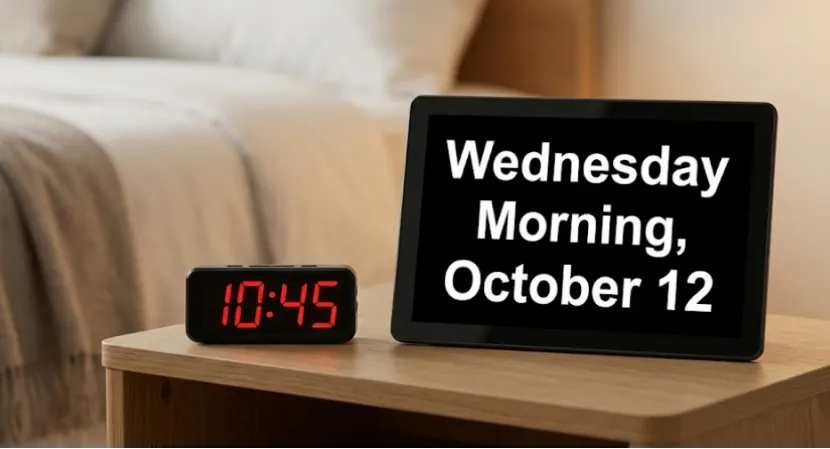
A half-page SOP with pictures of buttons and screens beats a long technical file. You can also place at least one large digital calendar day clock in a main area to act as the reference display.
When Should You Switch From Manual Clocks to WiFi Digital Day Clocks?
Manual units are fine for a home or very small site. For a building full of clocks and a busy team, they eventually become a drain on time and patience. That is when a WiFi digital day clock setup starts to pay off.
Signs That Manual Setting No Longer Works
You know you are there when staff lose half a day fixing clocks after each power cut. Or when different floors always show different times. Or when residents and employees keep reporting “wrong time again” in your system.
How WiFi Digital Day Clocks Change the Game
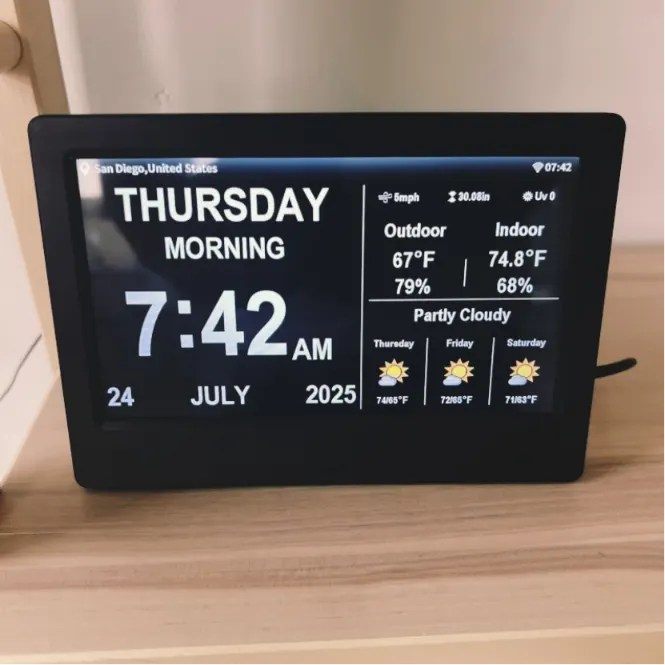
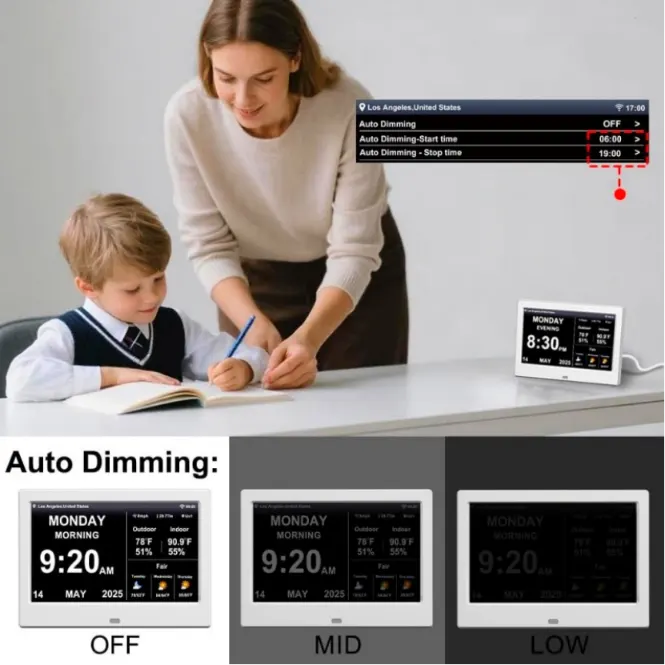
A WiFi device connects to a network time server and updates itself. A 10.1-inch digital day clock can show big digits, full date and day, and refresh time over WiFi so staff rarely touch settings. For care or office use, that mix of clarity and low maintenance is worth more than a long list of hidden features.
Cost Versus Time Saved for Facilities and Offices
If one person needs ten minutes per clock and you have thirty units, a single full reset round costs five staff hours. A few rounds per year quickly match the price difference between manual and network models.
How Should Care Facilities Deploy Digital Day Clocks at Scale?
In care and memory settings, clocks are more than tools; they are anchors in daily routines. Residents look to them to know which day it is, when meals happen, and whether it is morning or evening.
Placement and Readability for Residents
Put devices where residents naturally look: dining rooms, lounges, corridor junctions. Mount at eye level with large fonts and clear, full words for days and months. Avoid flashy backgrounds that distract from the text.
Reducing Confusion for Residents With Memory Loss
Keep formats stable. Once you set a 24-hour layout and a clear date style, resist the urge to change it. A consistent digital calendar day clock with automatic time makes life calmer for residents and staff.
Training Staff With a Simple Playbook
Show staff how to read the screen, who to call if something looks off, and when not to touch the settings because WiFi sync is running. Short, friendly training beats thick manuals every time.
How Should Offices and Corporate Sites Handle Time at Scale?
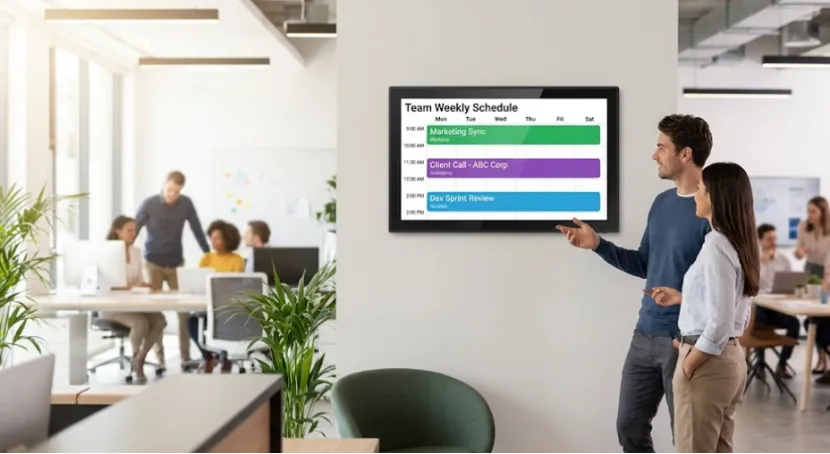
Offices, factories, and schools care about punctual meetings and clear schedules. Clocks should match calendars and devices so people are not left waiting outside rooms.
Meeting Rooms, Lobbies, and Open Offices
Place units near meeting rooms, reception desks, and main corridors. If those show the wrong time, everyone’s day feels slightly off.
Coordinating Time Across Multiple Floors or Locations
Network-aware devices let you sync all clocks from the same time source. IT can manage WiFi and NTP settings, while facilities handle placement and physical checks. That split keeps work clear for both teams.
Working With IT to Integrate Network Time
When IT is involved early, they can plan how clocks connect, which servers they use, and how updates happen. You avoid later surprises like devices stuck on guest WiFi that no longer exists.
What Are the Key Takeaways for Buyers and Facility Managers?
Home habits do not scale well into big buildings. For facilities and offices, the main steps are simple. Standardize time formats, assign clear owners, and write a short SOP. Then, once manual work and complaints pile up, move toward WiFi digital day clock models that keep time themselves. A little planning now saves a lot of small, annoying jobs later.
Who Is YIAISIGN in the Digital Display Field?
YIAISIGN focuses on research, development, and production of digital photo frames, calendar clocks, Android all-in-one machines, signage, and portable monitors, with over 15 years of experience in display electronics. The company operates a roughly 3,000 square meter factory with multiple production lines and daily capacity in the thousands of units, and its products hold certifications such as ISO9001, CCC, FCC, RoHS, and CE.
For buyers, this means you are dealing with a specialist in visual devices, not a general gadget trader. YIAISIGN supplies customers across Europe, the Americas, Oceania, and the Middle East and supports OEM and ODM work for hardware and software. A WiFi digital day clock built on that base sits inside a larger ecosystem of connected display products, which matters when you want stable supply, consistent quality, and a partner who can adjust to different project needs.
FAQ
Q1: Why do clocks that are fine at home cause trouble in a facility
A: At home you only fix one. In a facility, the same little issues appear on many devices. That brings more complaints and more work.
Q2: Do you still need to know how to set Digital clock if you buy WiFi models
A: Yes, at least the basics. Many sites run old and new units together. A simple manual routine keeps the old ones usable while you upgrade.
Q3: When is a WiFi setup better than manual clocks
A: When staff lose hours after every power cut or daylight saving change. At that point, auto-updating devices usually save time and money.
Q4: Do care homes and offices need different kinds of digital day clock
A: The hardware can be similar. Care homes need bigger text and full date words. Offices care more about matching meeting schedules and floor-to-floor consistency.
Q5: How can you make life easier for staff who deal with clocks
A: Give them one clear format, one simple guide, and a main contact person. Add a few WiFi units in key spots, and let those become the time reference for everyone.