The counter was busy during the lunch rush, with guests shifting in line and eyeing the door. Long lines do not just feel stressful. Long lines quietly drain revenue, because some guests leave when the wait looks slow, and others reach the counter still unsure what to order. This article looks at how a smart Android menu screen in the right spot cuts hesitation and keeps the line moving. Before the how, it is worth noting who builds this kind of screen for real service use. YIAISIGN focuses on commercial Android all-in-one displays for food service, retail, transit, and other public locations. The hardware is built as a self-contained Android all-in-one machine with anti-glare front glass for bright counters, stable wall-mount structure, portrait or landscape layouts, and remote control across many locations. Daily usability, brightness, cabling, heat management, and service stability are part of the design, not an afterthought.
Why Slow Queues Cost More Than You Think?
In a café or QSR, guests start doing quiet math the second they see a long line. Is the wait worth it. Can another place serve faster. That hesitation is lost revenue. Slow lines often start before the register. The pause happens while a guest tries to read a glossy poster with glare on it, or while staff repeat the same combo description again. If your core menu and upgrade offers are not clear, the lane backs up and ticket size drops.
Customer Drop-Off and Lost Sales
Every minute in a visible line raises the chance that someone walks out. That person is not only a lost drink. That is also lost pastry, lost side, lost impulse cold bottle. A digital menu board for cafés that stays readable at normal standing distance, even near a front window, reduces that friction. It answers “what comes with that” and “how much to make it a combo” before the guest reaches the counter. Fewer people bail. More people finish the order instead of drifting out.
Staff Stress and Order Errors
Staff in counter service juggle prep, upsell, and speed. Repeating ingredient lists and bundle rules all day kills rhythm and invites mistakes. When pricing and bundles sit on a bright anti-glare digital menu board at eye level, guests step up more prepared. Staff spend less time explaining and more time taking payment. Fewer fixes, fewer remakes, faster line.
How a Smart Android Menu Screen Speeds Up Ordering
A smart Android menu screen is not just a TV. It is a purpose-built display that runs the content on its own, mounts cleanly above the counter, and stays legible in harsh lighting. The goal is simple: help guests pick faster and reduce talk time per order.
Instant Visibility With Anti-Glare Displays
Glare is a quiet sales killer. Many menus sit under downlights or next to street-facing glass. Standard glossy boards bounce light and turn into mirrors. An anti-glare surface on a 21.5″ Android all-in-one menu board keeps contrast even in bright conditions. Guests can read prices without leaning over the pastry case. Seconds drop off each order. Seconds matter in the noon rush.
Faster Choices With Dayparting Layouts
Most shops do not run one static menu all day. Breakfast, lunch, snack deals, late day offers. A dayparting menu display lets you schedule time-based layouts. Breakfast items disappear when breakfast ends. Lunch bundles slide in when the lunch crowd shows up. The guest only sees what applies right now instead of digging through 40 irrelevant items. That cuts decision time and helps line flow.
Real-Time Updates for Pricing and Promos
Food cost moves. Specials rotate. A screen with remote pricing update lets you push those changes live instead of taping notes over old posters. New flavor test for the weekend, slight bump on the combo price, limited family box offer in the afternoon, all go live without a ladder. Multi-store menu consistency also improves, because locations stop inventing their own chalkboard style.
Is Setup Going To Be a Headache?
A common worry is that digital means TV plus media stick plus cables hanging in the prep zone. A purpose-built unit in this class is different. The content player is inside. No dangling box. No mystery USB that disappears during cleaning.
Plug-and-Play Wall Mount
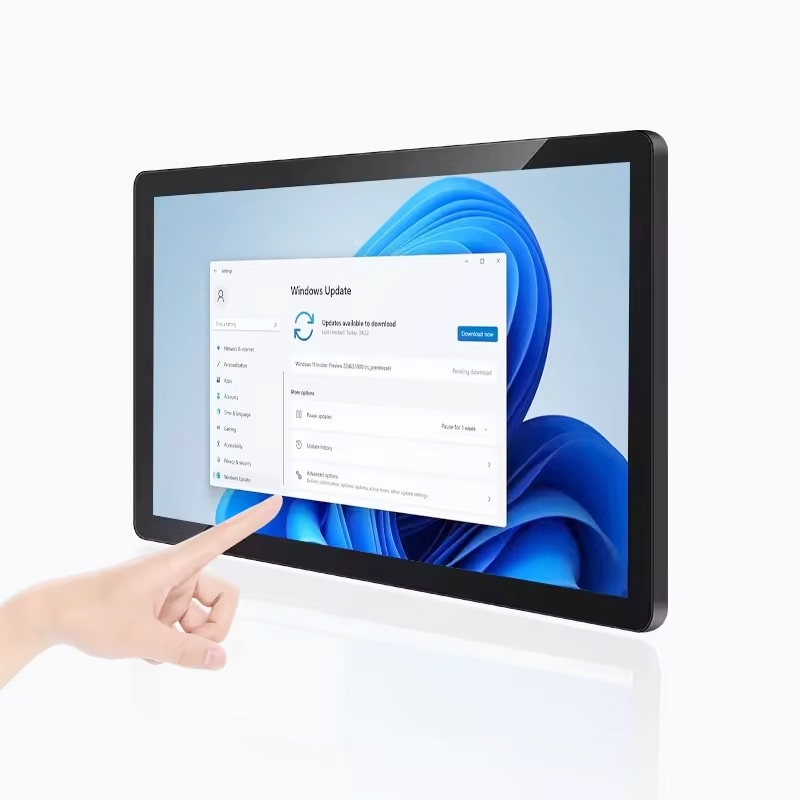
Look for VESA mounting. VESA lets you hang the screen on a standard plate, portrait or landscape, with clean cable routing. A 21.5 inch form factor is small enough to sit above syrups, cups, printers, and POS without taking over the back bar. It is big enough for two-column pricing in portrait or promo images in landscape, but still a small footprint menu screen. The 21.5″ Android all-in-one menu board follows this approach and is built for front-of-house menu duty, not living room video.
Simple Training and Remote Control
Daily control should feel like “change the board,” not “call IT.” A smart Android menu screen should let a shift lead flip breakfast to lunch or launch happy hour content from a simple dashboard over Wi-Fi or LAN. No ladder, no reprint. That keeps timing tight and stops pricing mistakes from sitting on the wall all afternoon.
Where Does the ROI Actually Show Up?
The return is not theory. It appears in labor, waste, and ticket value.
Fewer Prints, Less Labor
Paper menus and posters go stale fast. Seasonal drinks end. Supplier cost moves. You reprint, tape, toss. A digital menu board for cafés replaces most of that cycle. The template stays. Only item blocks and prices change. That means less waste and fewer “can someone climb up and swap the board” moments.
More Add-Ons, Bigger Tickets
Upsell lines such as “+ oat milk,” “make it a combo,” or “family box under $20” are easy to miss on a handwritten note. On a bright always-on signage screen above the point of sale, those upgrades sit in normal view. Guests often choose the upgrade before speaking. That steady lift in add-ons is where many stores first feel the payback.
What Should You Look for in a Smart Android Menu Screen?
Not every screen that can play video is right for service. Certain traits matter day to day.
Key Points That Matter in Daily Service
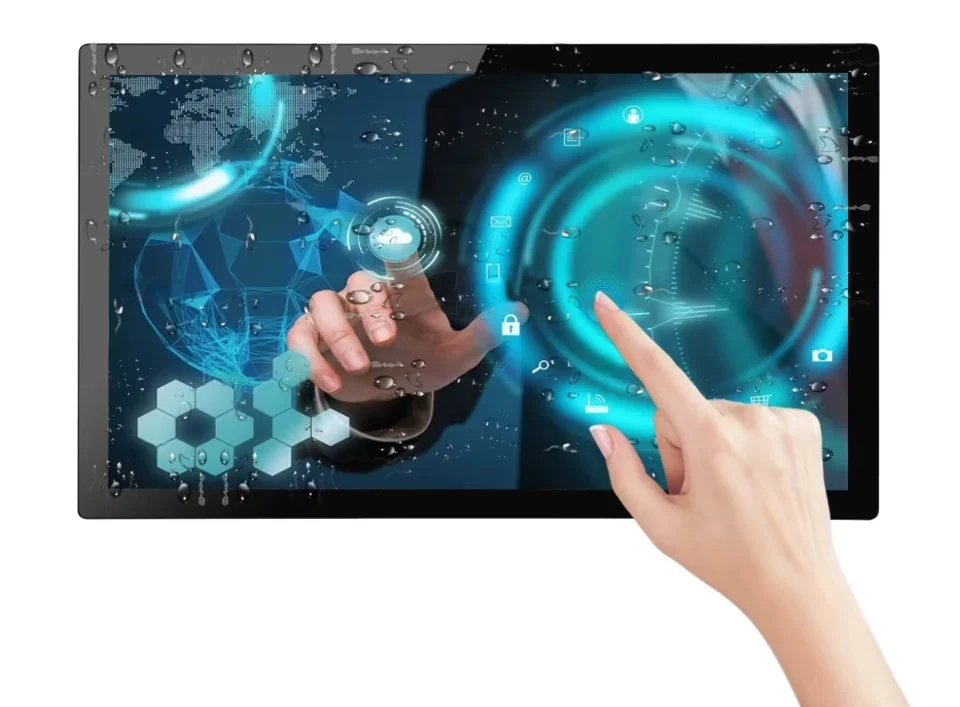
You want anti-glare glass so the panel stays readable near windows and under ceiling spots. Brightness must be high enough that the picture does not wash out at noon. The body should mount on a standard VESA plate so no custom bracket is needed. The device should run as a self-contained Android all-in-one with Wi-Fi or LAN so content can update across locations, not travel store to store on a USB stick. It should handle portrait or landscape, because some counters only have narrow vertical wall space. It should also boot back into the menu after a power cycle and run long hours without overheating. Those boring details are what keep staff from unplugging it out of frustration.
FAQ
Q1: How Does a Menu Screen Help Cut Queue Times?
A: Guests can read offers, see prices, and pick a combo before they reach the counter. Less talk, faster handoff, shorter visible line.
Q2: Why Is Anti-Glare Such a Big Deal in a Café or QSR?
A: Many counters sit near glass and ceiling spots. An anti-glare surface keeps the 21.5 inch display readable instead of reflecting light like a mirror. If guests can read it, they stop asking for repeats.
Q3: Can Breakfast, Lunch, and Happy Hour All Live on One Screen?
A: Yes. A dayparting menu display schedules layouts by time. Breakfast content drops out when breakfast ends. Lunch bundles slide in at lunch. No ladder, no poster swap.
Q4: Is Mounting a Problem in a Tight Bar Layout?
A: A 21.5 inch screen on a VESA mount is meant to sit above syrups, cups, and POS. It is a small footprint menu screen. No bulky TV arm. No external media box.
Q5: Is Remote Price Change Just Nice to Have?
A: It matters every time cost shifts. Remote pricing update means the new price goes live right away. That keeps pricing consistent across locations and avoids last minute tape-over fixes that look messy.